

Release history for IDE.
This page lists the release history for IDE, with the newest version first.

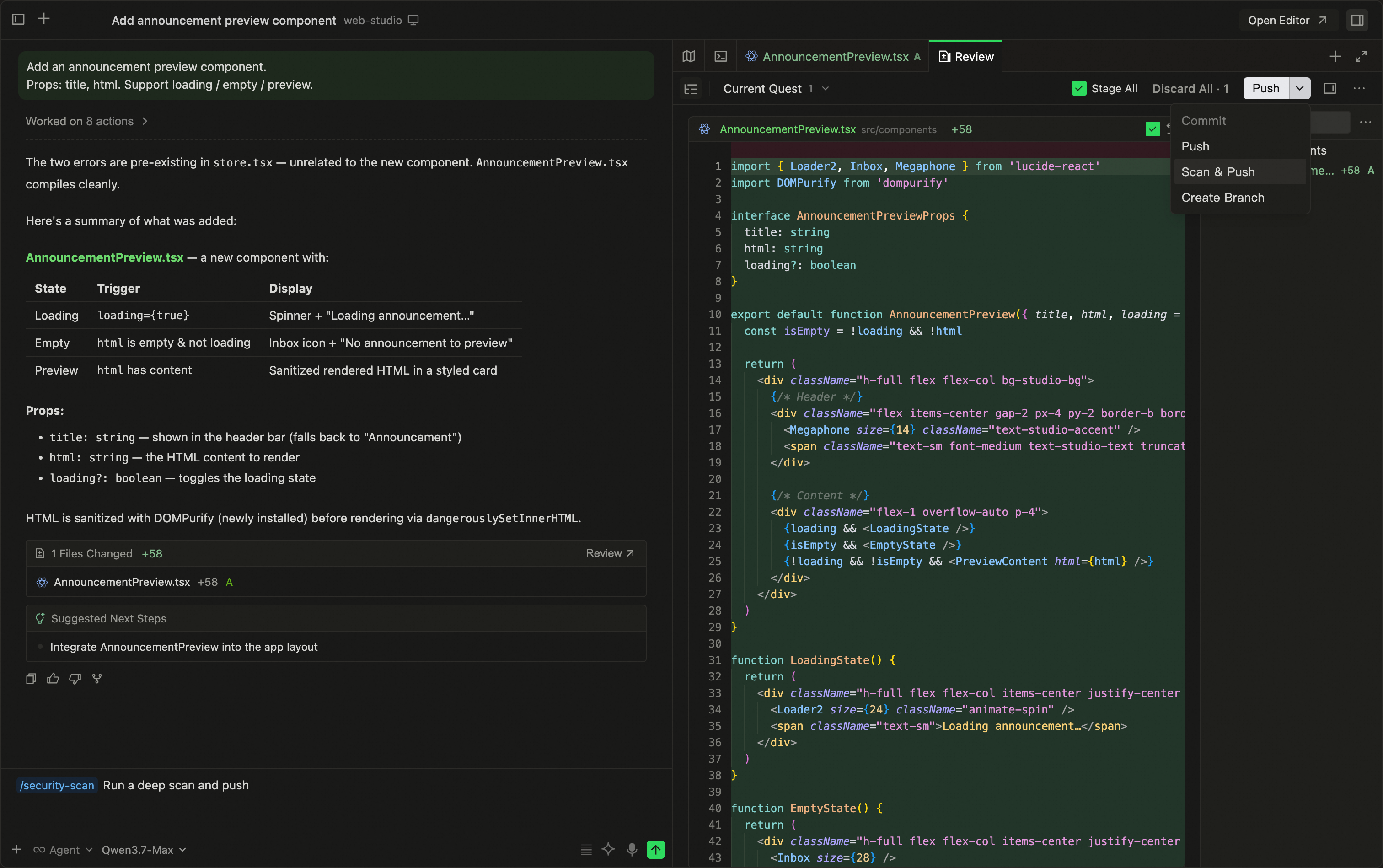
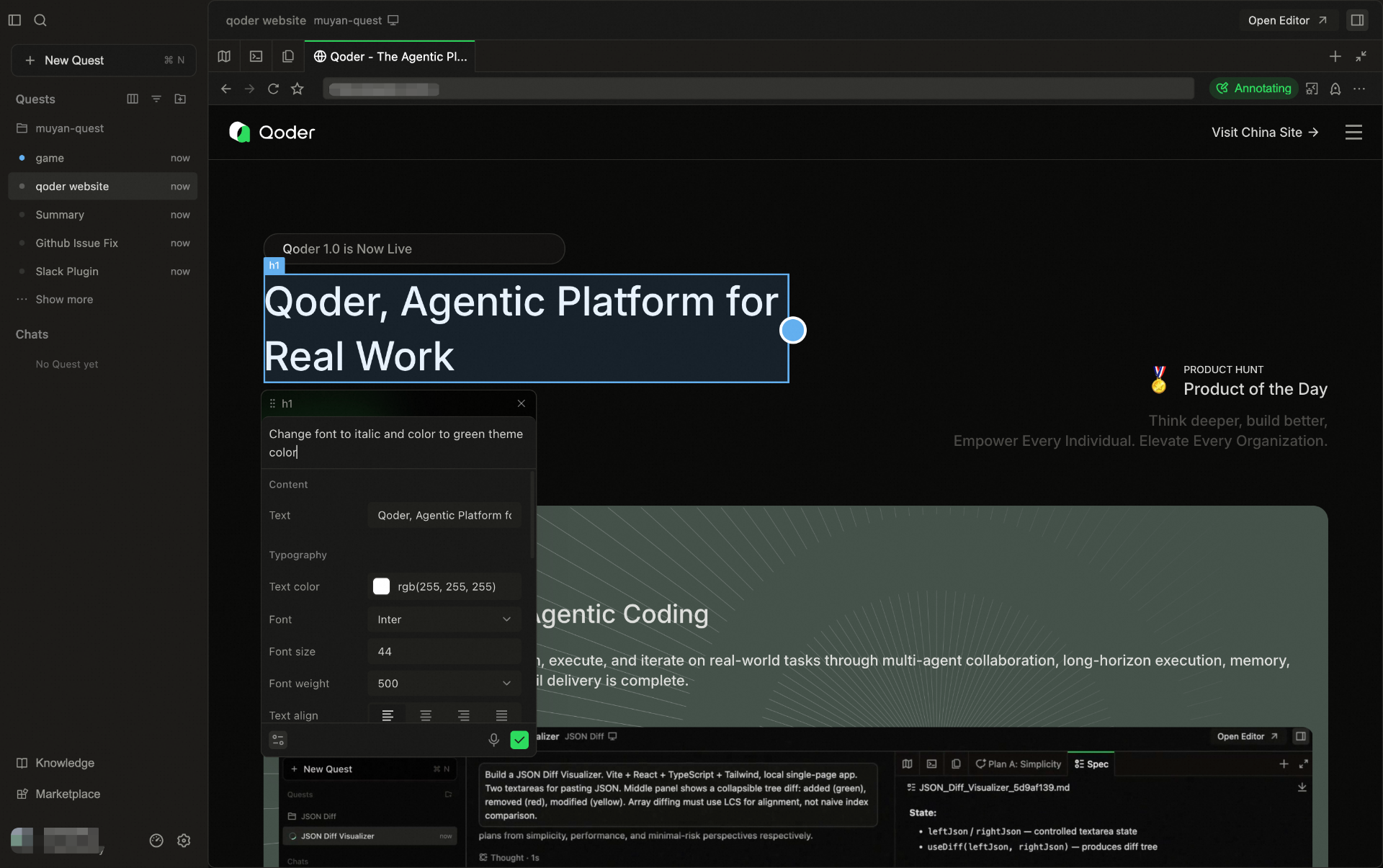
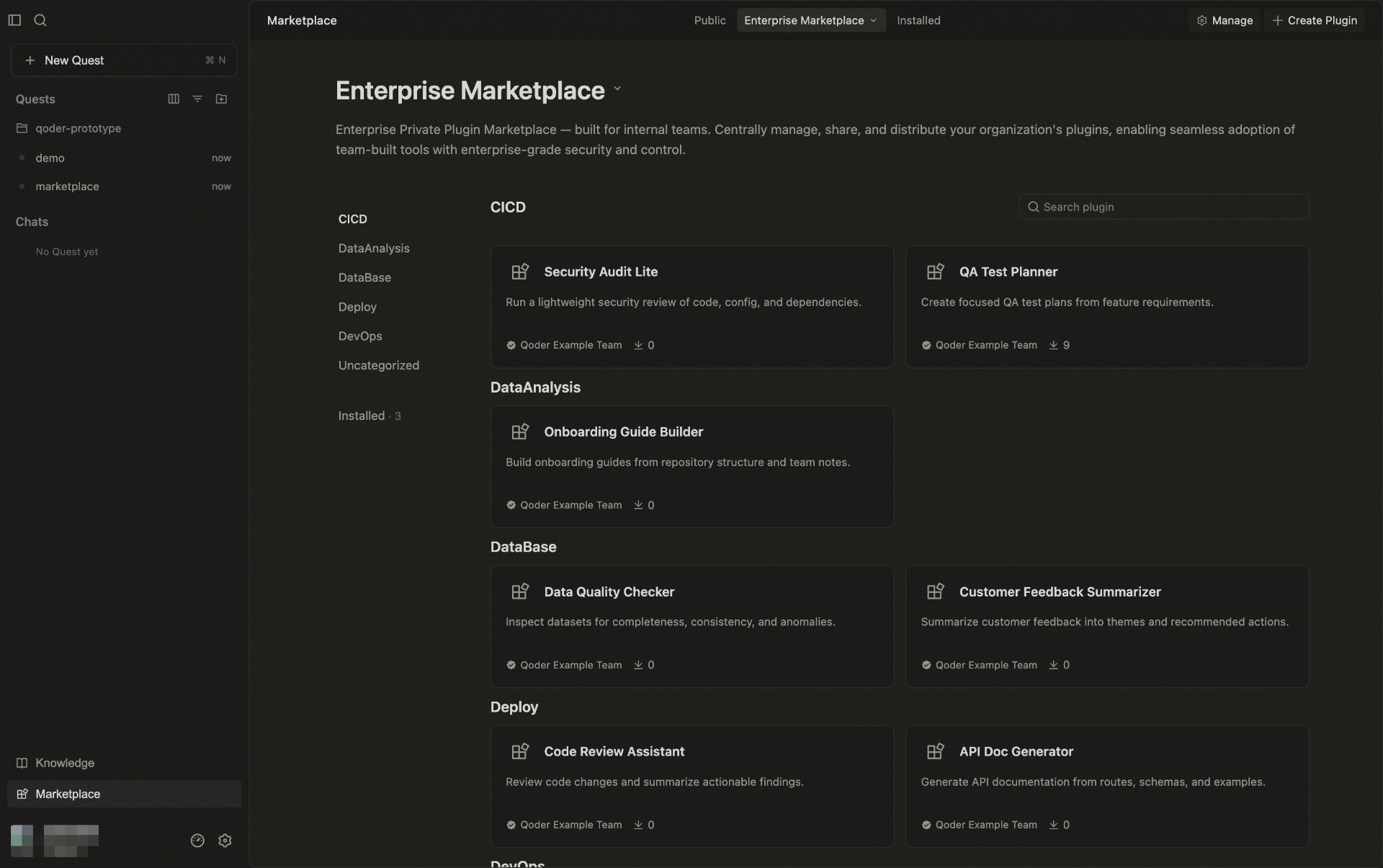
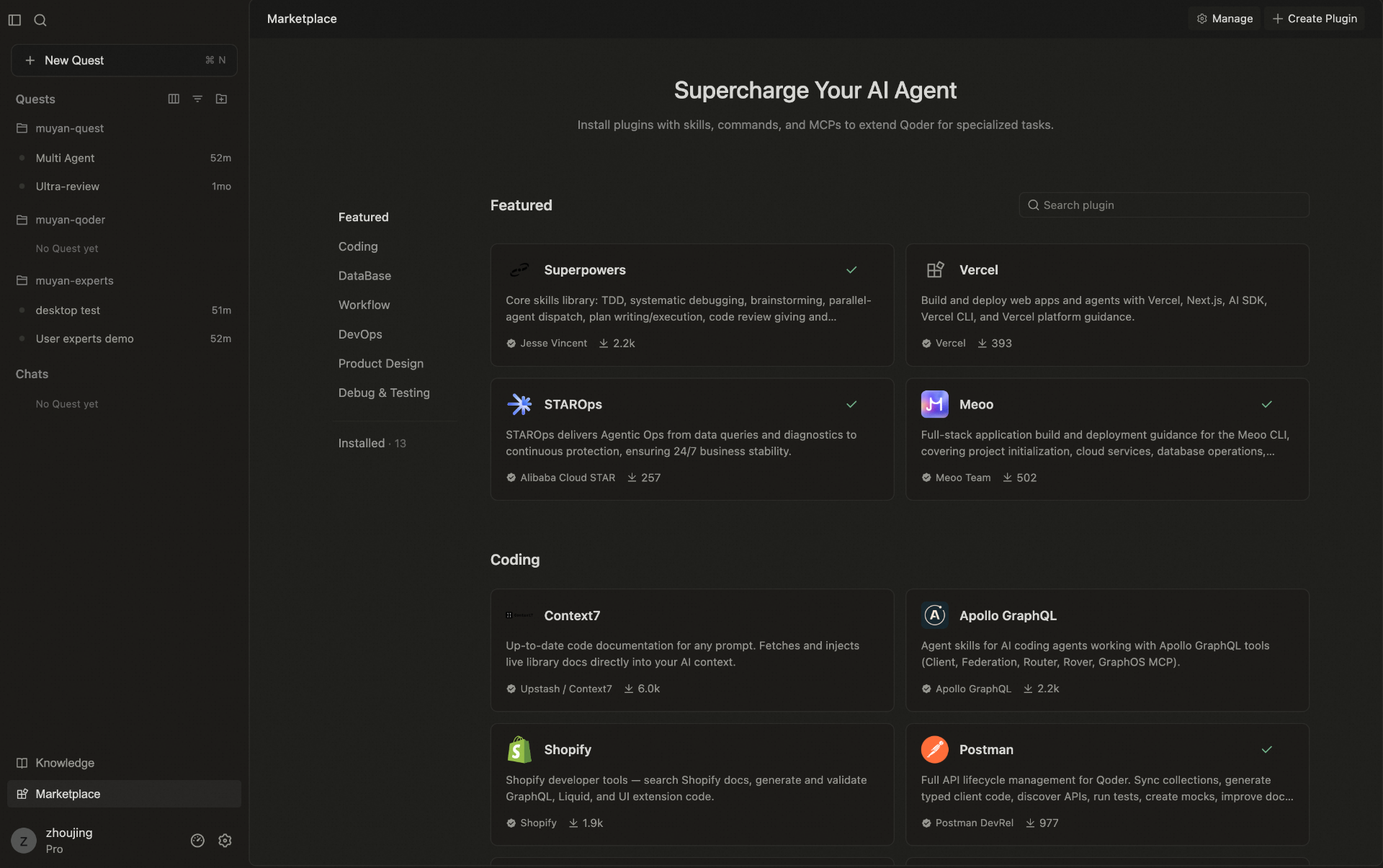
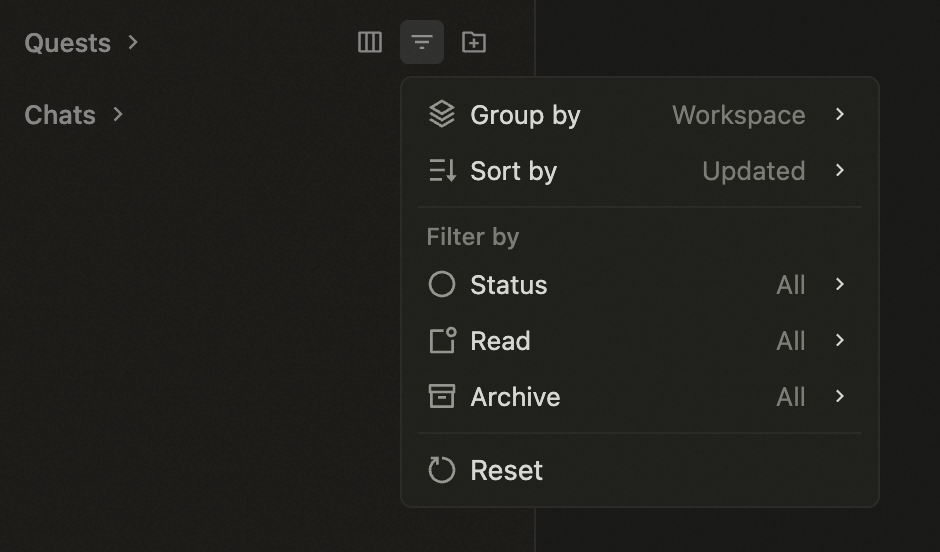
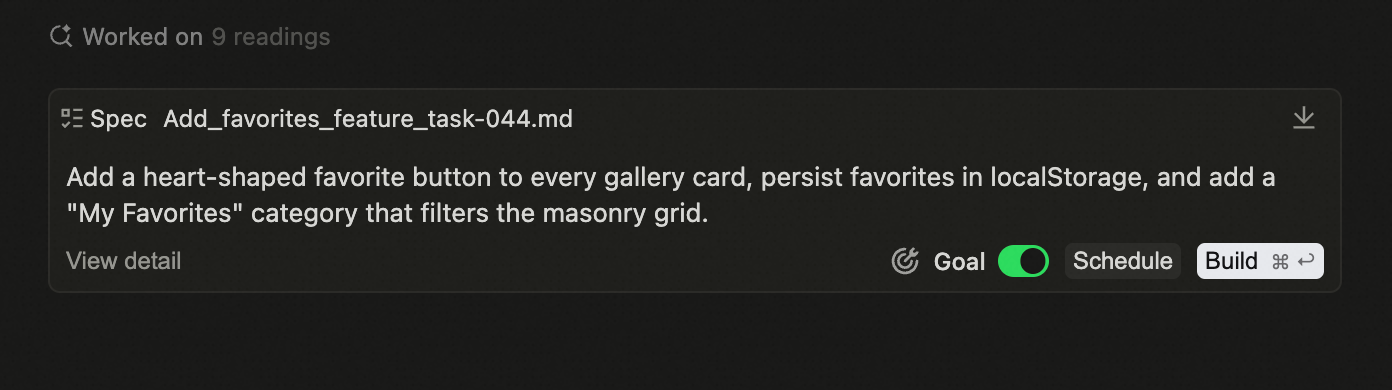
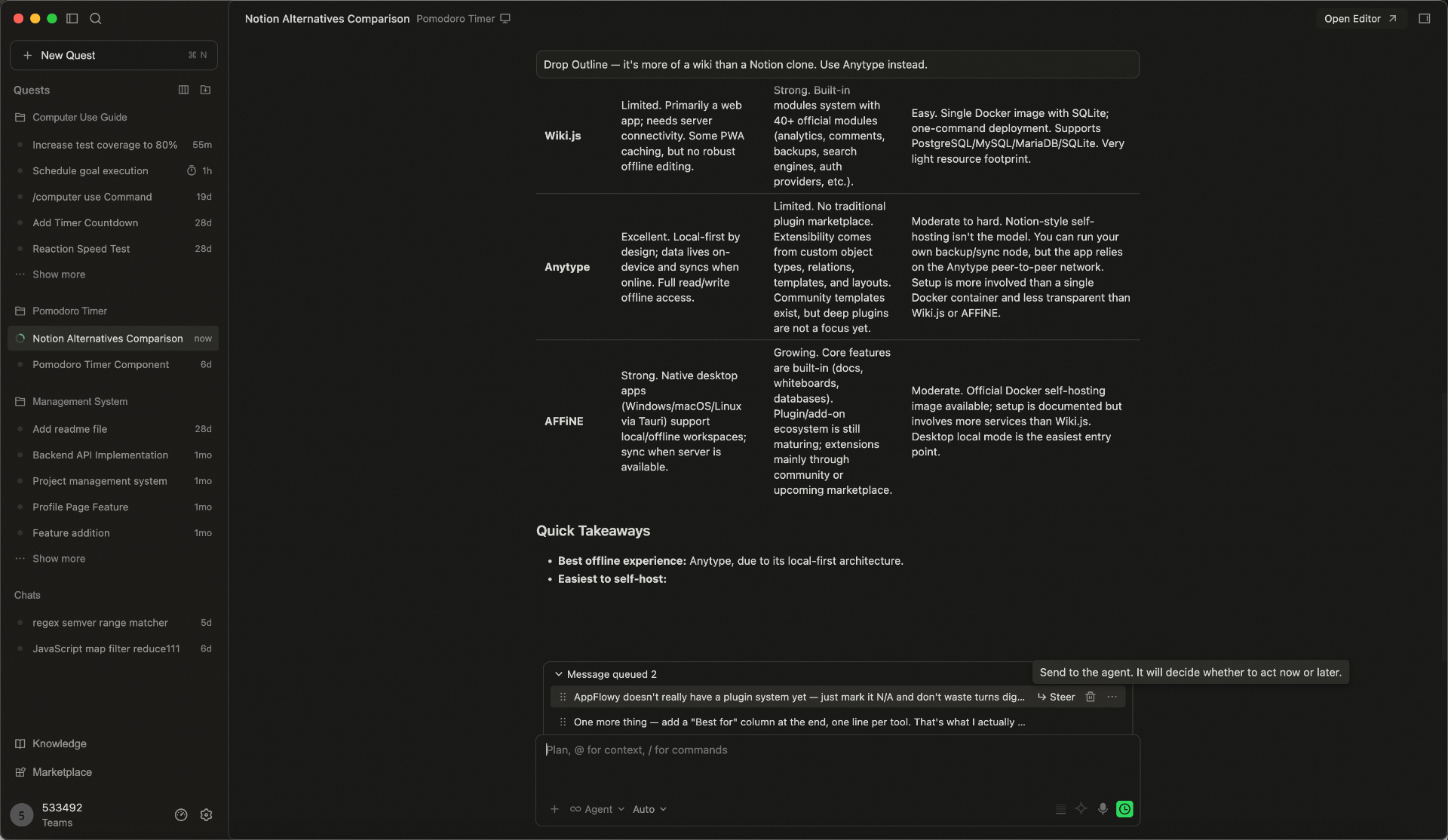
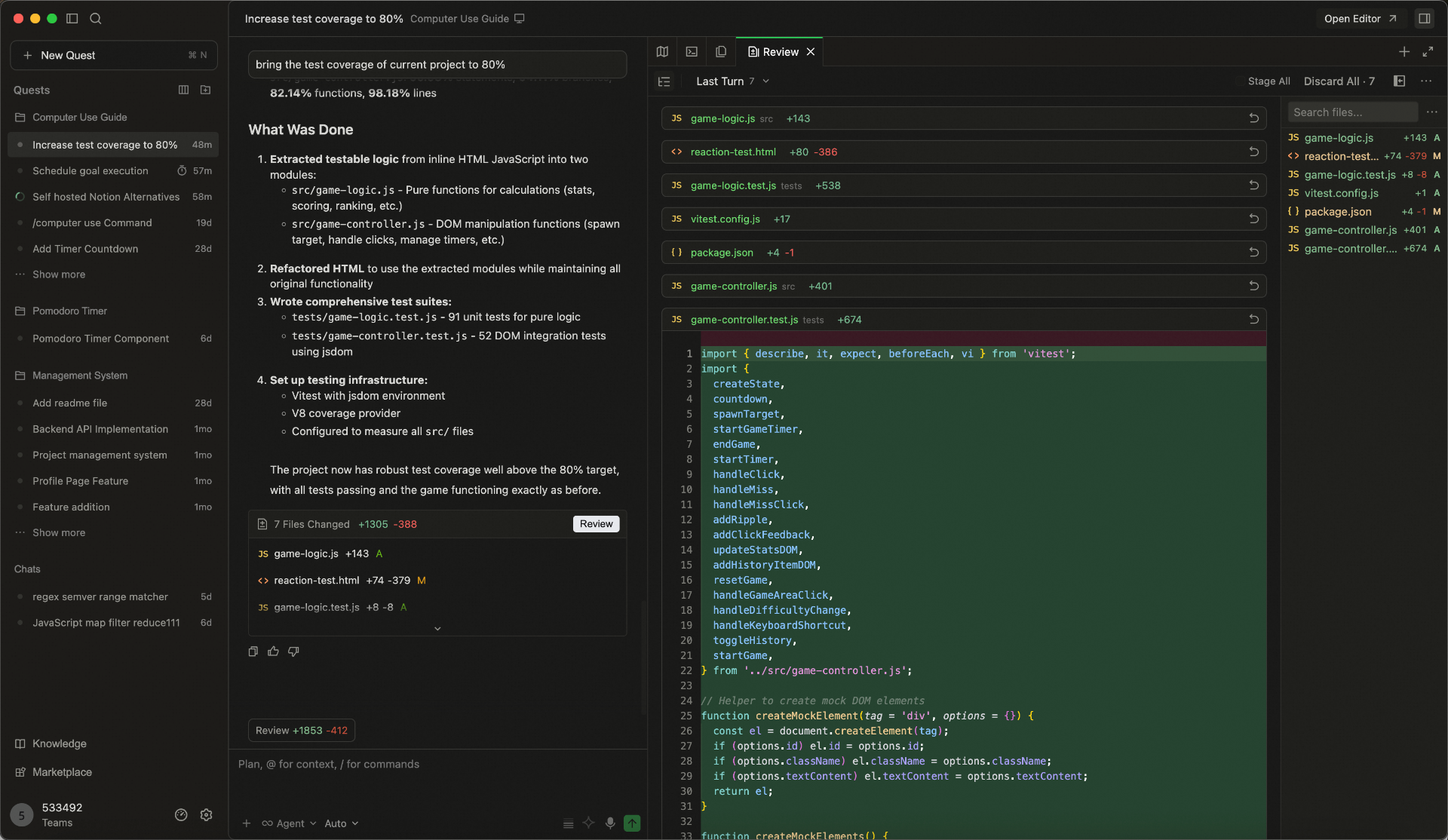
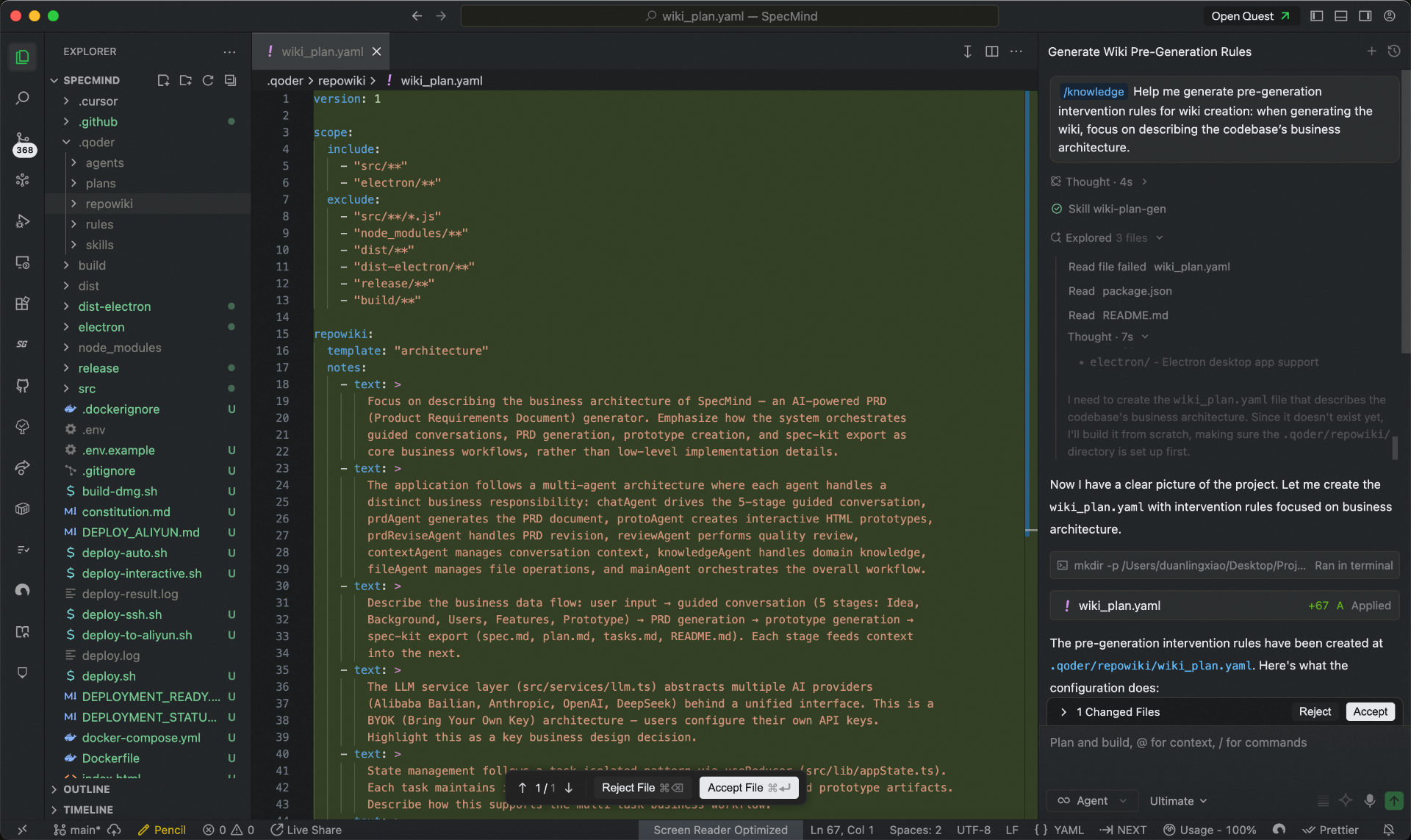
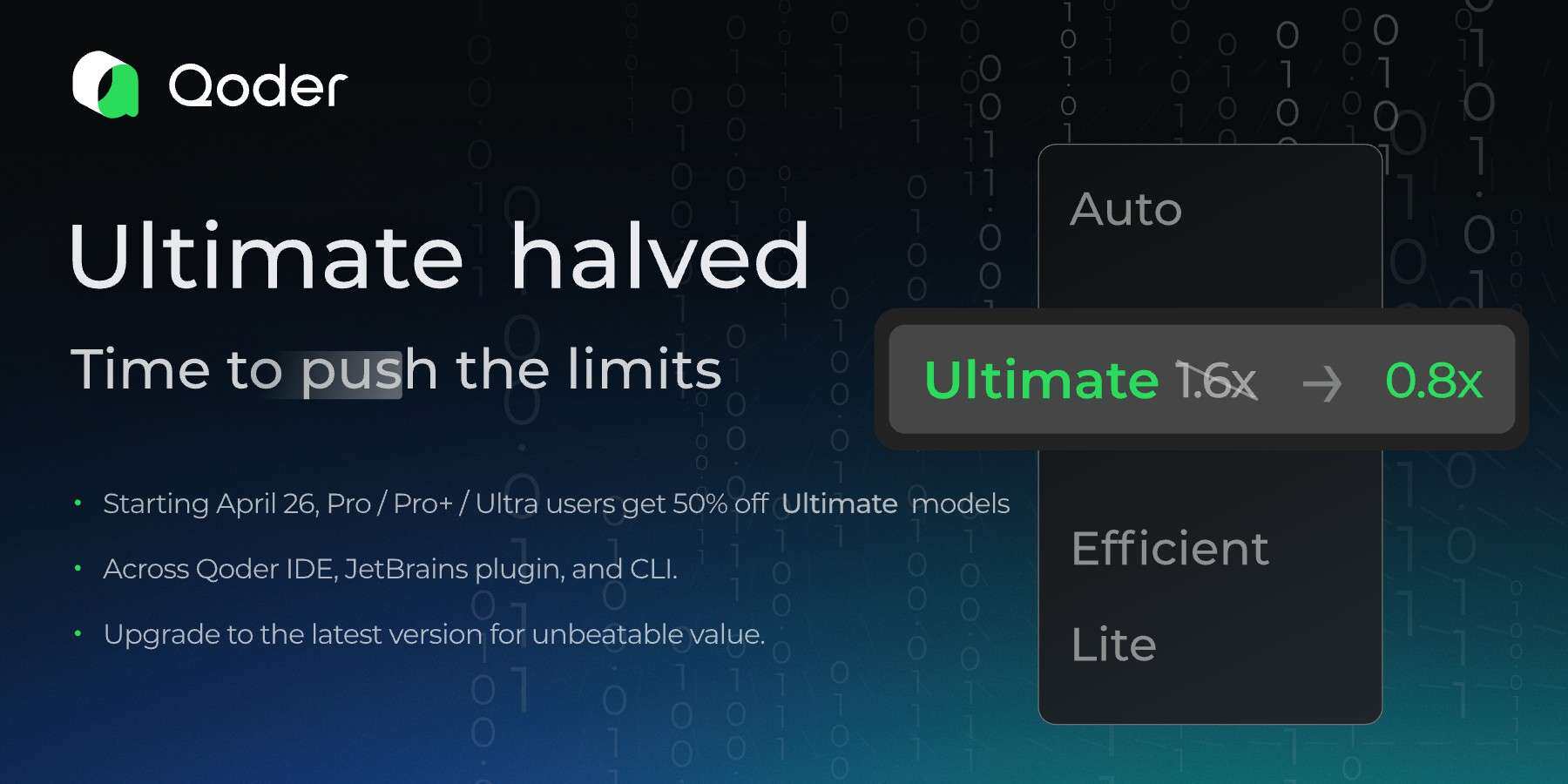
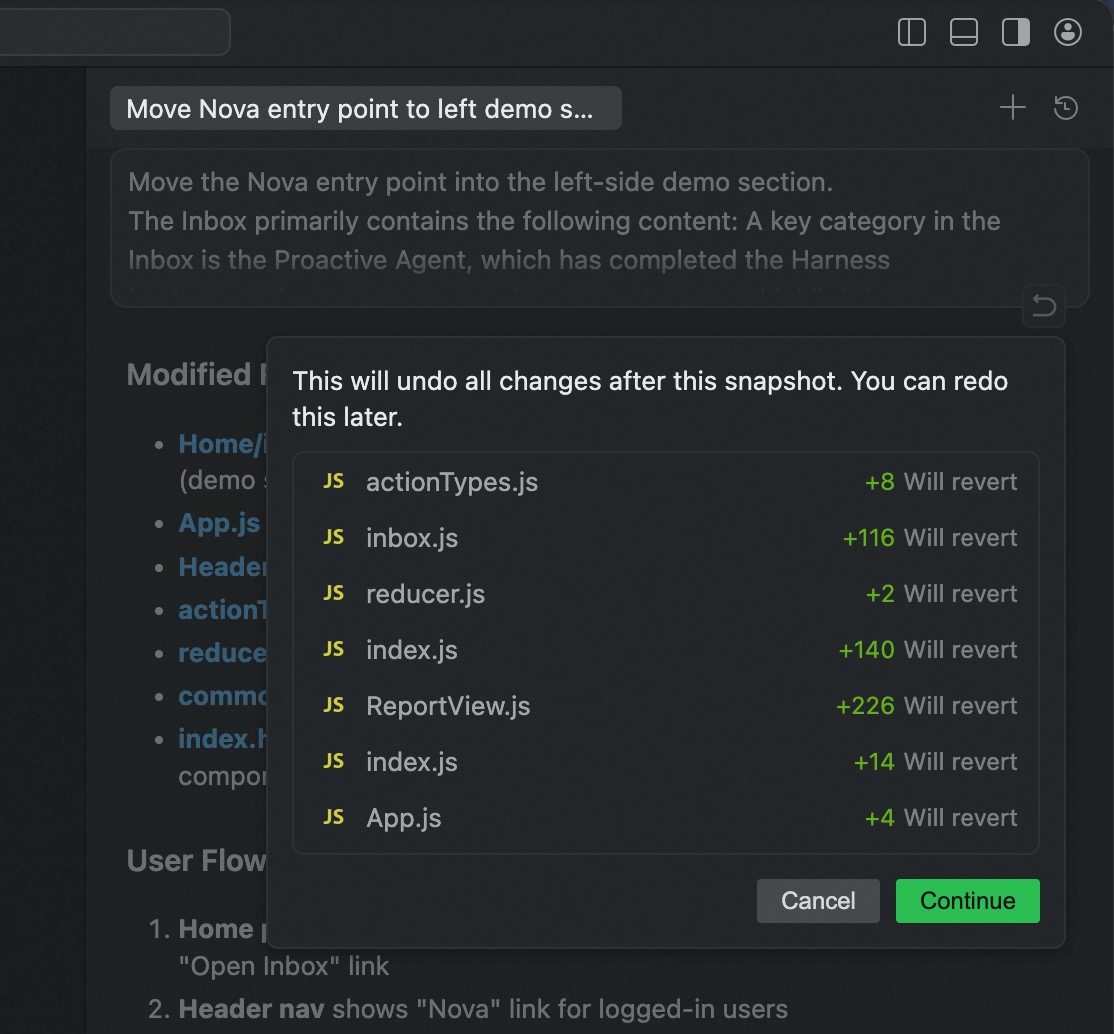
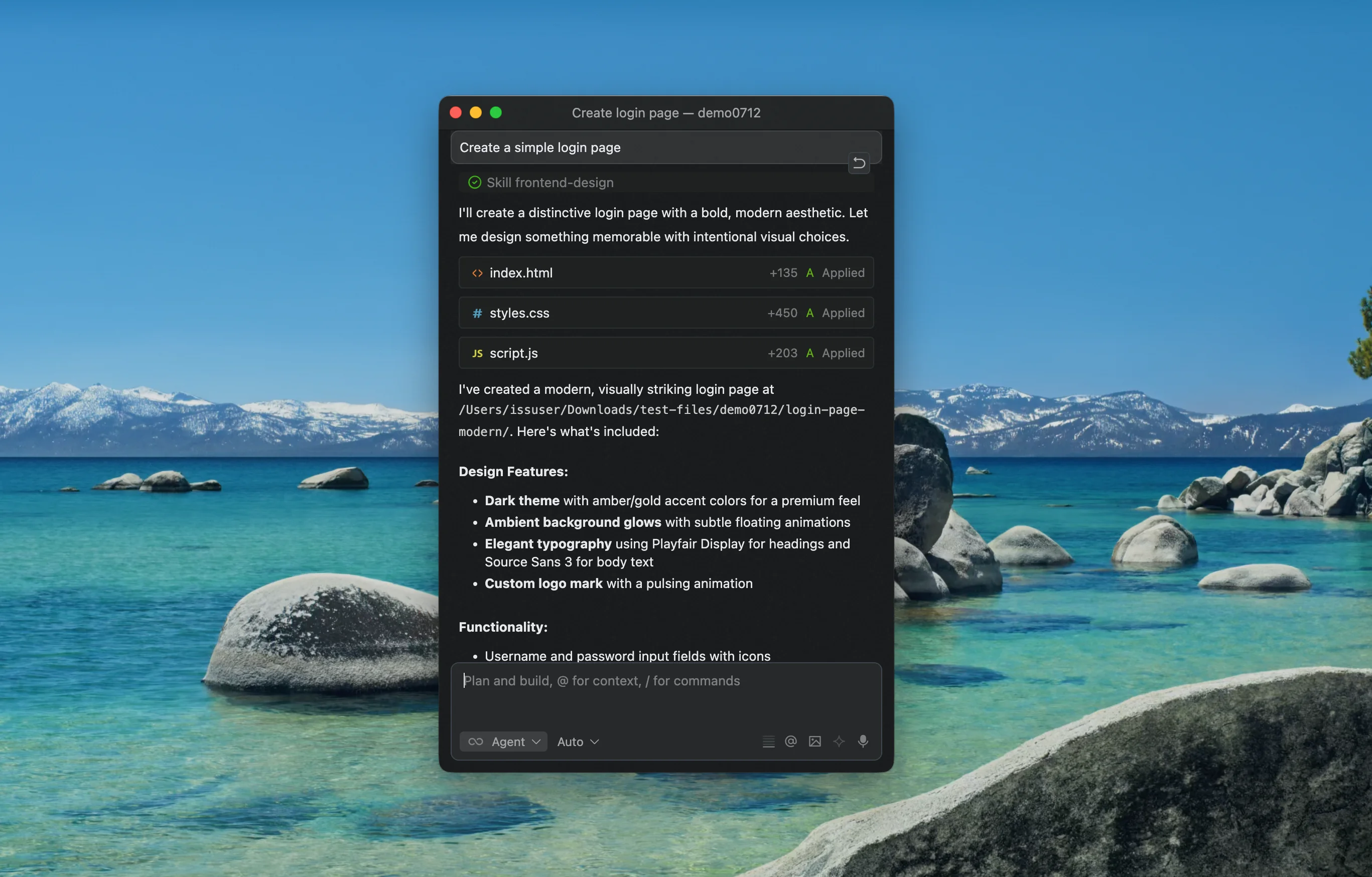
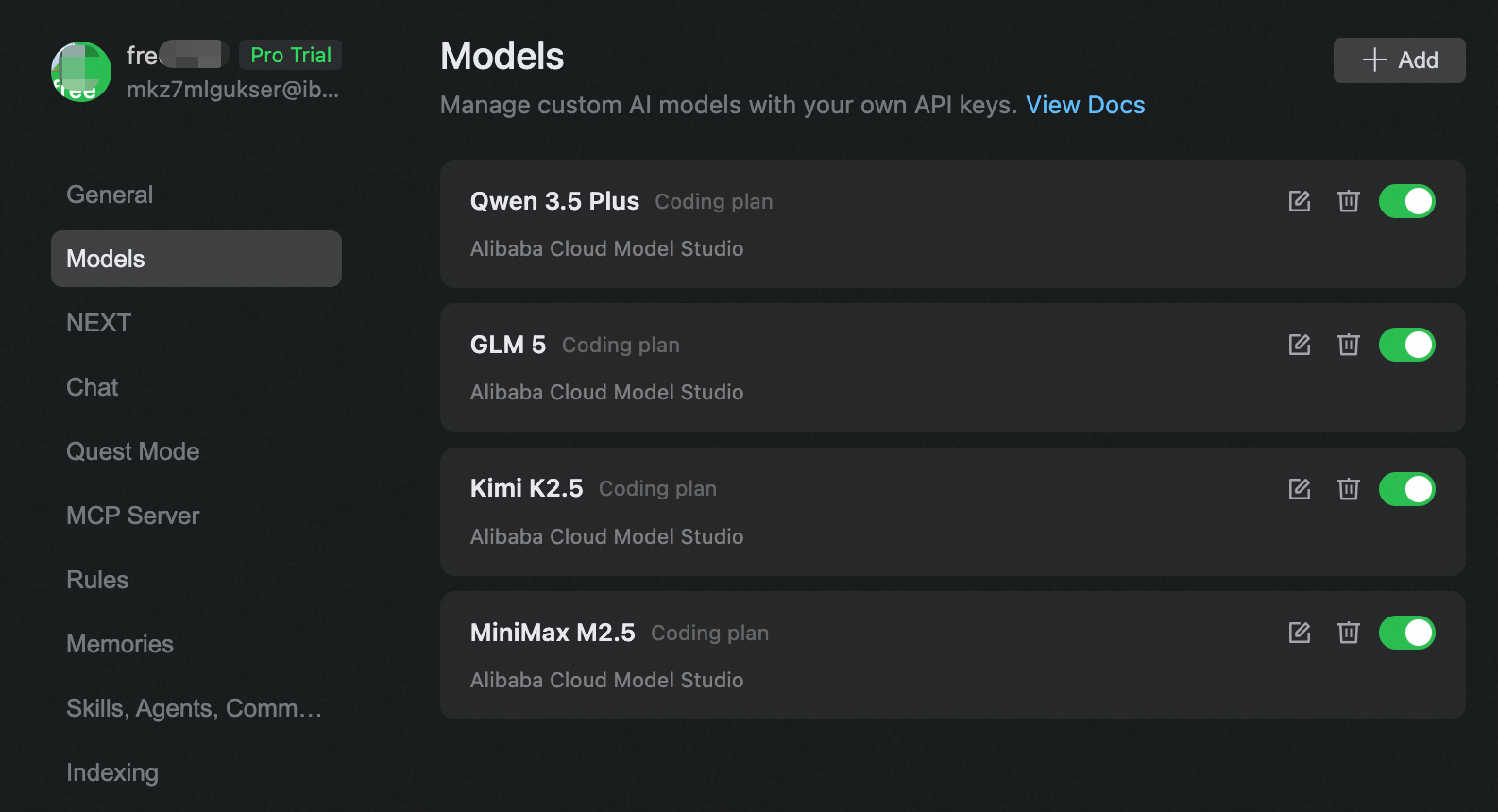
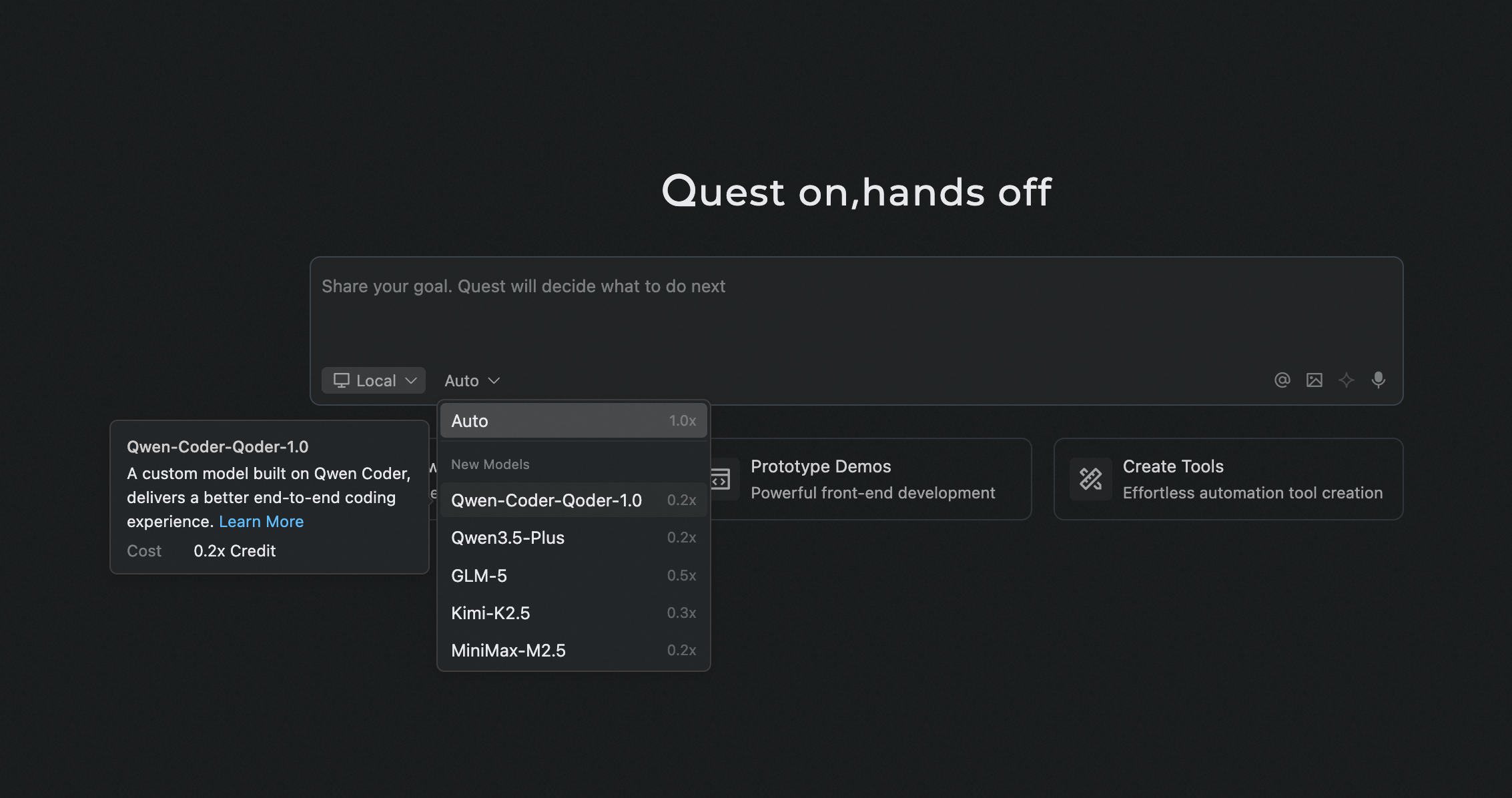
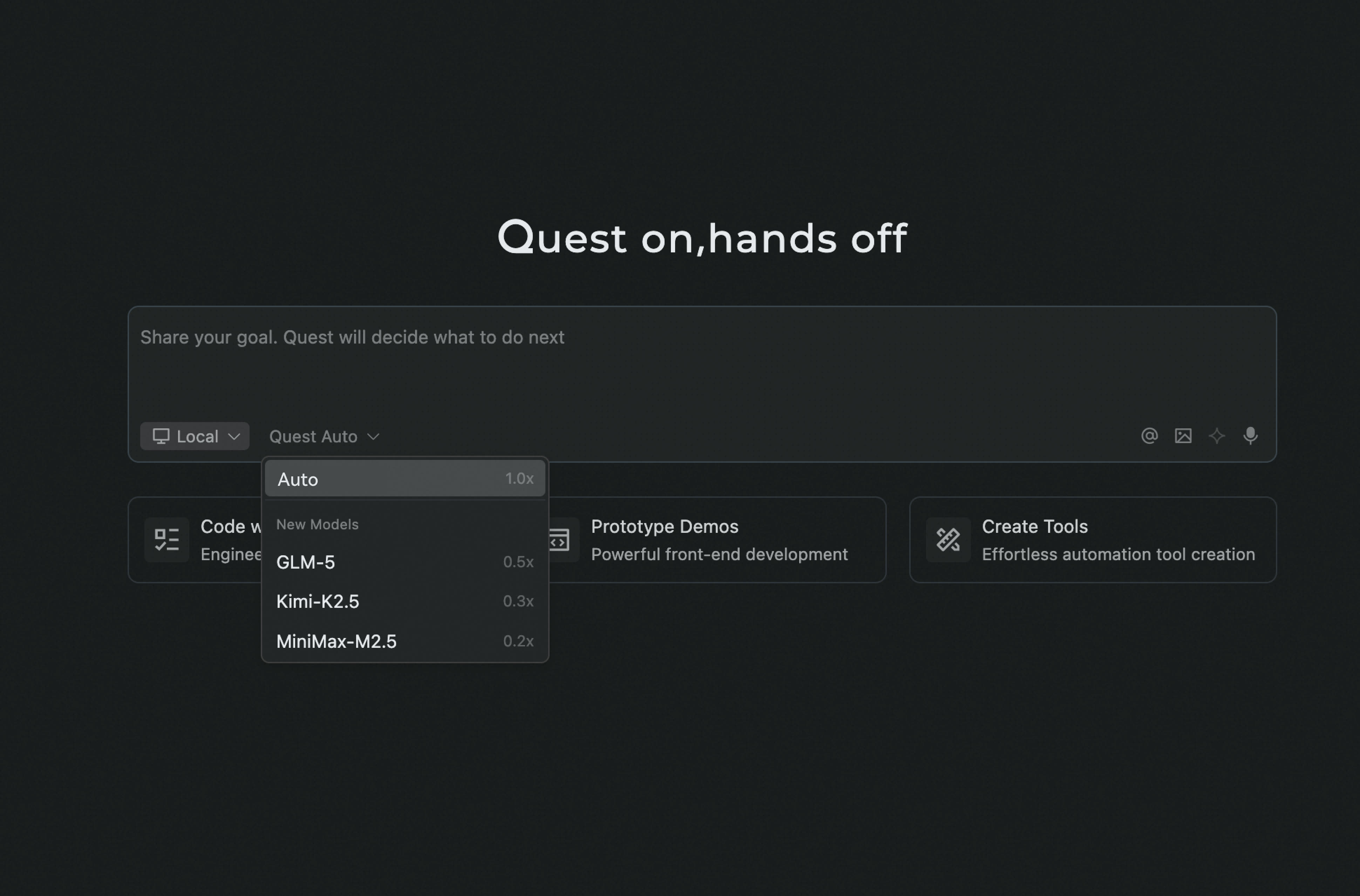
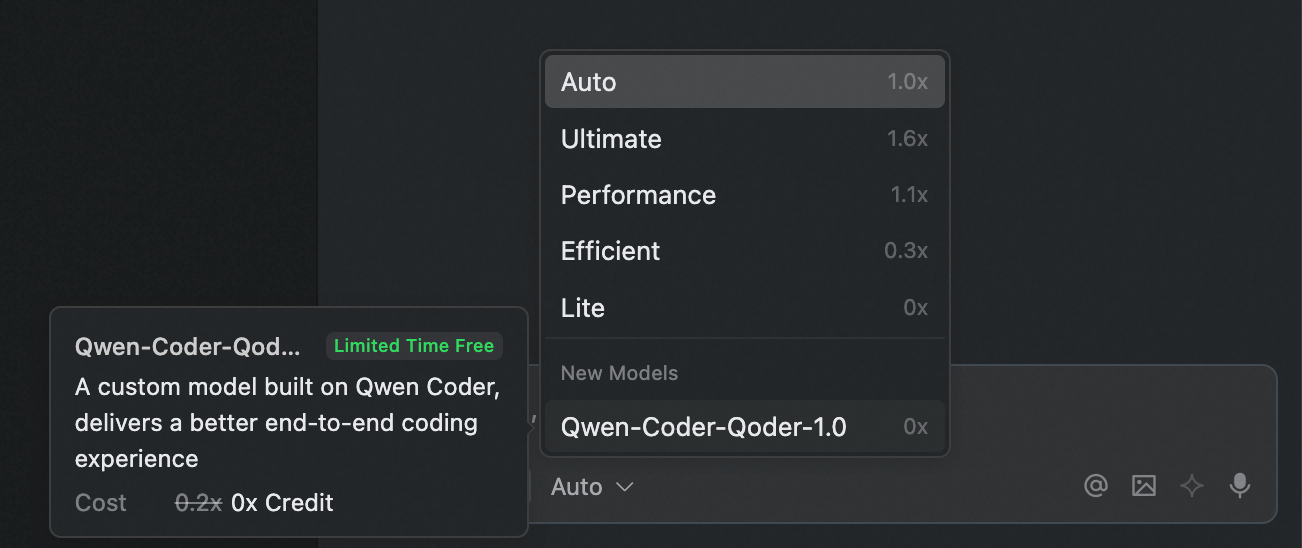 This model is based on Qwen-Coder and has undergone large-scale reinforcement learning optimized for the Qoder Agent framework, tools, and scenarios. In our real-world software engineering task benchmarks, it has surpassed Cursor Composer-1 in task completion rate, particularly achieving 50% higher accuracy in terminal commands on Windows systems.
Everyday Improvements
Improvements
- Faster startup and responses: Reduced repeated Shell environment collection and waits for local connections. Skill watchers no longer block new sessions. On cold startup, the chat panel appears first while history is restored in the background.
- Lower memory usage in long sessions: Reclaim idle file-editing resources, release redundant references held by Markdown, terminal tabs, and message streams, and improve resource limits and cleanup for image previews.
- Visible automatic retries: Model requests retry automatically when they fail or the model is busy, with retry status shown so you can track progress.
Fixes
- Fixed chat history not restoring automatically after a brief disconnection and improved continuation when reopening earlier questions.
- Fixed login redirects and update restarts across windows, and reduced exit confirmations triggered by recoverable pending tasks.
- Fixed sub-Agent commands being routed incorrectly in certain scenarios.
- Fixed garbled Windows terminal output and duplicate file display.
Everyday Improvements
- Improved page performance for long sessions
- Qoder IDE now opens the Editor view by default on startup
- Removed related notices ahead of the Lite model tier retirement
- Improved preparation before Agent responses to reduce unnecessary waiting, speed up initial responses, and make sessions smoother
- Improved first-response timeout messages to clarify the reason for waiting and the next steps
- Improved WSL startup speed and connection stability
Qoder Security: Enterprise Security Governance Upgrade
Features
- Group management and custom rules: Administrators can manage settings by group and customize Static Check (L1) regular expression rules as well as Lightweight Scan (L2) and Deep Scan (L3) prompts, so scans match enterprise security standards.
- Cloud-based Full Scan and vulnerability dashboard: Full Scan now runs asynchronously in the cloud, lifting the 10,000-line limit. An enterprise vulnerability dashboard helps administrators quickly assess overall security risk.
Improvements
- Security plugin dependencies are now downloaded asynchronously, blocking your work less.
- Improved the vector memory write process after database recovery, making memory creation more stable.
Improvements
- Increased the tool execution limit for single tasks in Qoder IDE to 500 rounds, making complex long-chain tasks less likely to be interrupted prematurely.
- Tasks interrupted due to depleted credits can now be manually resumed by clicking continue after credits are restored.
Improvements
- Added an enterprise control to disable external network access from the built-in browser, helping organizations meet security and operational management requirements.
- Personal edition BYOK now supports OpenAI, Google, and OpenRouter providers, enabling model services to be connected as needed.
Improvements
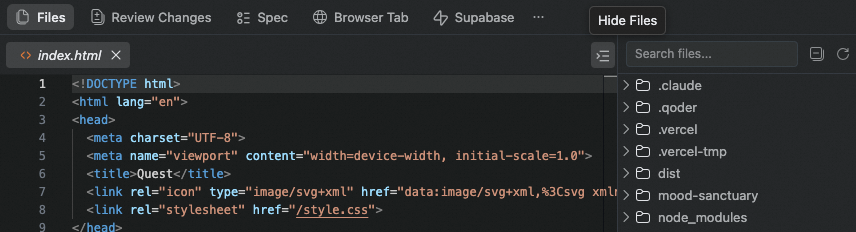
- Added editing to the Quest window workspace, so you can modify content in place without switching back and forth.
- Plugins installed from the official Marketplace now offer one-click access to their details page online.
- Clearer prompts when the model is queuing, letting you know you can keep waiting.
Installation Directory and Executable Name Changes & AppShot now on Windows
Features
- Installation Directory and Executable Name Changes: The Qoder desktop application has been renamed to Qoder IDE, with corresponding updates to installation directories and executable names:
- macOS: Path updated to
Qoder IDE.app/Contents/MacOS/Qoder - Windows: Installation directory updated to
Qoder IDE, executable updated toQoder IDE.exe - Linux: Package name updated to
qoder-ide, executable path updated to/usr/share/qoder-ide/qoder-ide
- macOS: Path updated to
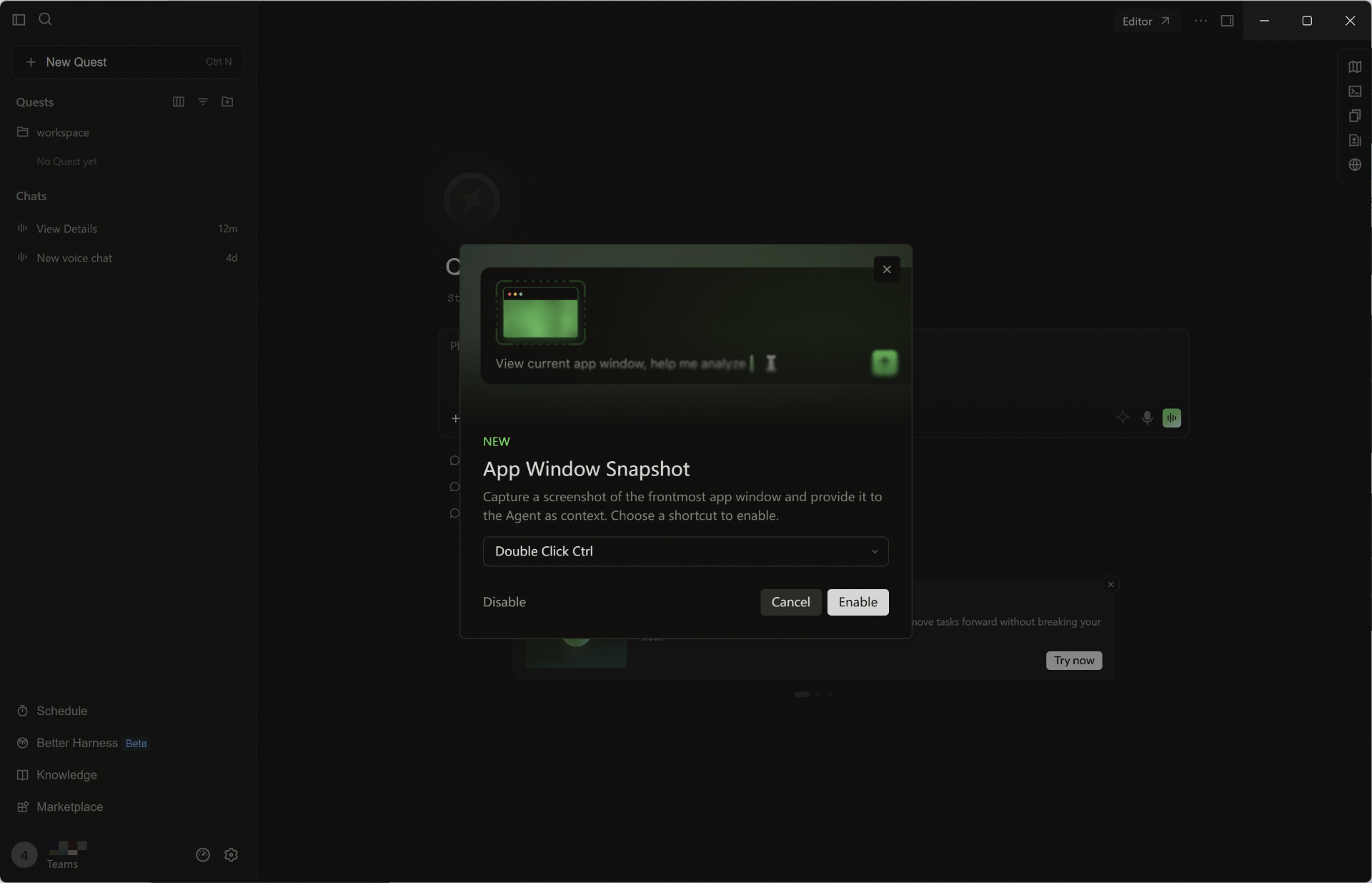
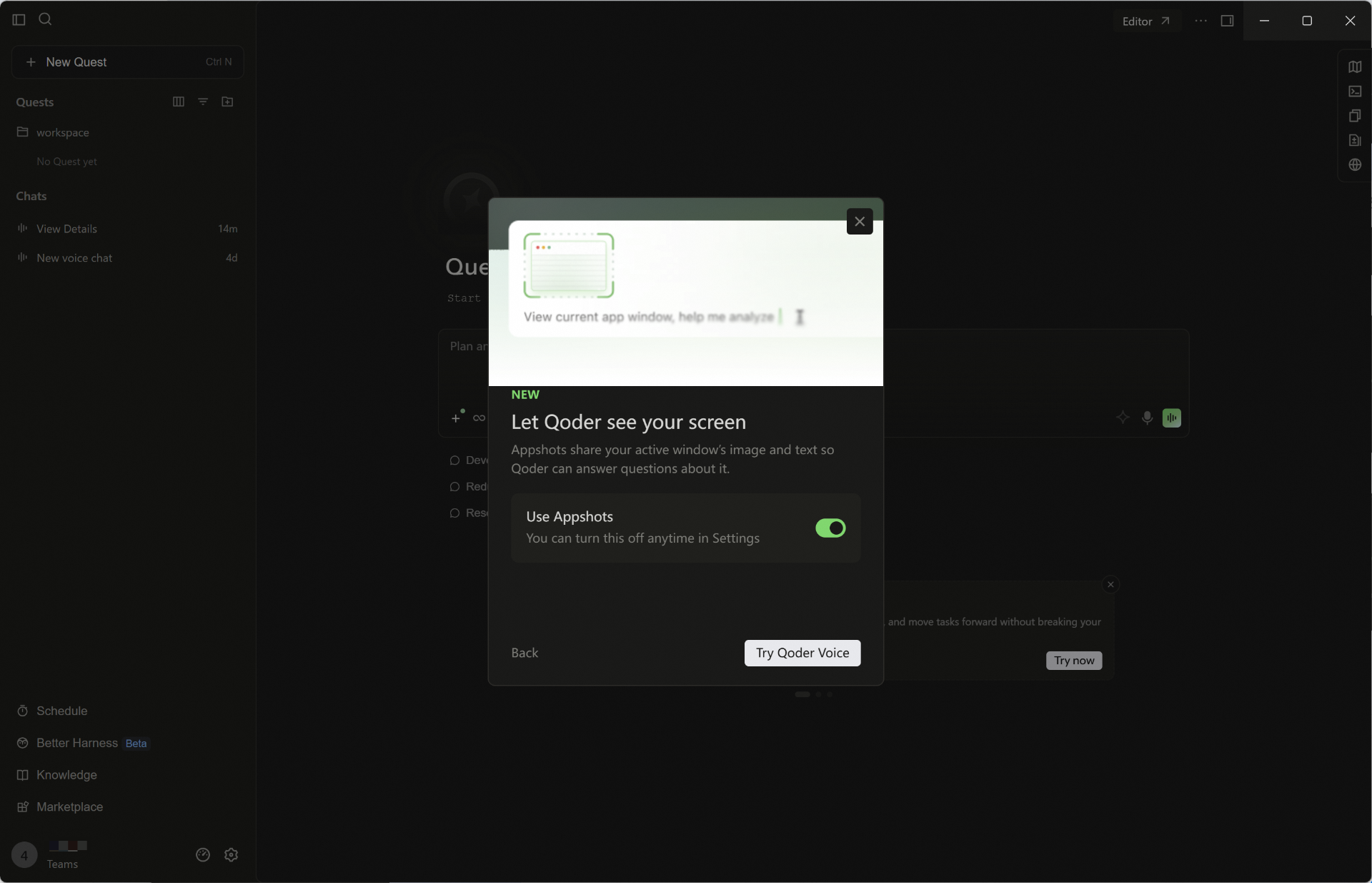
- AppShot for Windows: Double-tap Ctrl to capture the frontmost app window, or let real-time voice read the foreground app when you mention what is on screen, passing it to the agent as context so it grasps what you are viewing faster.
- Marketplace Chinese Localization: The Marketplace supports a Chinese interface, making plugin browsing, search, and use friendlier for Chinese users.
Improvements
- Added client info reporting for the Qoder IDE, helping enterprises centrally manage members' client details.
Improvements
- The Prompt Optimization button now shows a tooltip by default, regardless of input length, making the feature easier to discover.
- Knowledge Cards now prefetch content by default for smoother loading and less waiting.
App Renamed to Qoder IDE
Notice
Starting with version 1.24.0, the app’s display name is now Qoder IDE. This change does not affect existing features, user data, billing, or agreements.[Upcoming Change] Installation directory and executable names will also be updated in version 1.25.0 (effective August 18, 2026)
In next week’s 1.25.0 release, the installation directory and executable names will be updated as follows:- macOS: Path updated to
Qoder IDE.app/Contents/MacOS/Qoder - Windows: Installation directory updated to
Qoder IDE, executable updated toQoder IDE.exe - Linux: Package name updated to
qoder-ide, executable path updated to/usr/share/qoder-ide/qoder-ide
Features
- Code review now defaults to conversation scope: When triggered via built-in commands, reviews now default to changes related to the current conversation.
- Improved Spec usability: You can now copy Spec content, quickly open its source path, and jump directly to the downloaded path.
Improvements
- Improved knowledge retrieval in multi-repository workspaces, making cross-repo lookup more efficient.
- Enhanced prompt augmentation capabilities, with faster access to related actions via Slash Commands.
- Hooks now support passing arguments, improving flexibility and configurability for automation workflows.
- Expanded detection of potentially dangerous commands, with broader coverage of high-risk Git subcommands and stronger pre-execution warnings.
One-click Plugin Installation via Deeplink
Features
- Install plugins with one click via Deeplink: Open a link to start the installation, making plugins easier to share and distribute.
Improvements
- Improved the default limit on conversation titles shown in the Editor view and added a clearer notice when conversations beyond the limit are hidden.
- Enhanced task execution progress displays to make each step clearer and easier to follow.
- Added one-click navigation to the bottom of a conversation for quick access to the latest message.
- Improved messaging when a model is busy for a clearer waiting experience.
- Enhanced the model selector's edit-entry styling to make the entry easier to identify.
Voice Collaboration Upgrade, Side Task Support Added
Features
- Quest Live Voice supports workspace binding: When initiating real-time voice, you can select the associated workspace. The voice task will automatically inherit the corresponding project context and be archived in the correct location.
- Real-time voice supports voiceprint recognition: Enable voiceprint recognition in Settings - Voice - Real-time Voice to more accurately identify the current user's voice in multi-person or noisy environments.
- Side task support: For details or derivative issues within the main task, you can initiate associated side tasks for concurrent processing without interrupting the main task flow, improving processing efficiency.
- HTTP Hooks support: At key nodes such as tool calls and sessions, automatically send events to your configured HTTP interface, and based on the returned results, allow, intercept, or inject context, facilitating centralized security policies, auditing, and external integration.
Improvements
- Added setup guidance for context and thinking mode settings in BYOK configuration.
- Optimized the default maximum round limit for goal-driven execution.
- Improved response speed for new workflow creation, reducing wait time for task creation and opening related interfaces.
- Search Agent prompt content optimized to Markdown structure, making results clearer and more readable.
- Fixed occasional WSL disconnection issues
Improvements
- Improved how user benefits are displayed in the Usage panel.
Scheduled Tasks Upgrade
Features
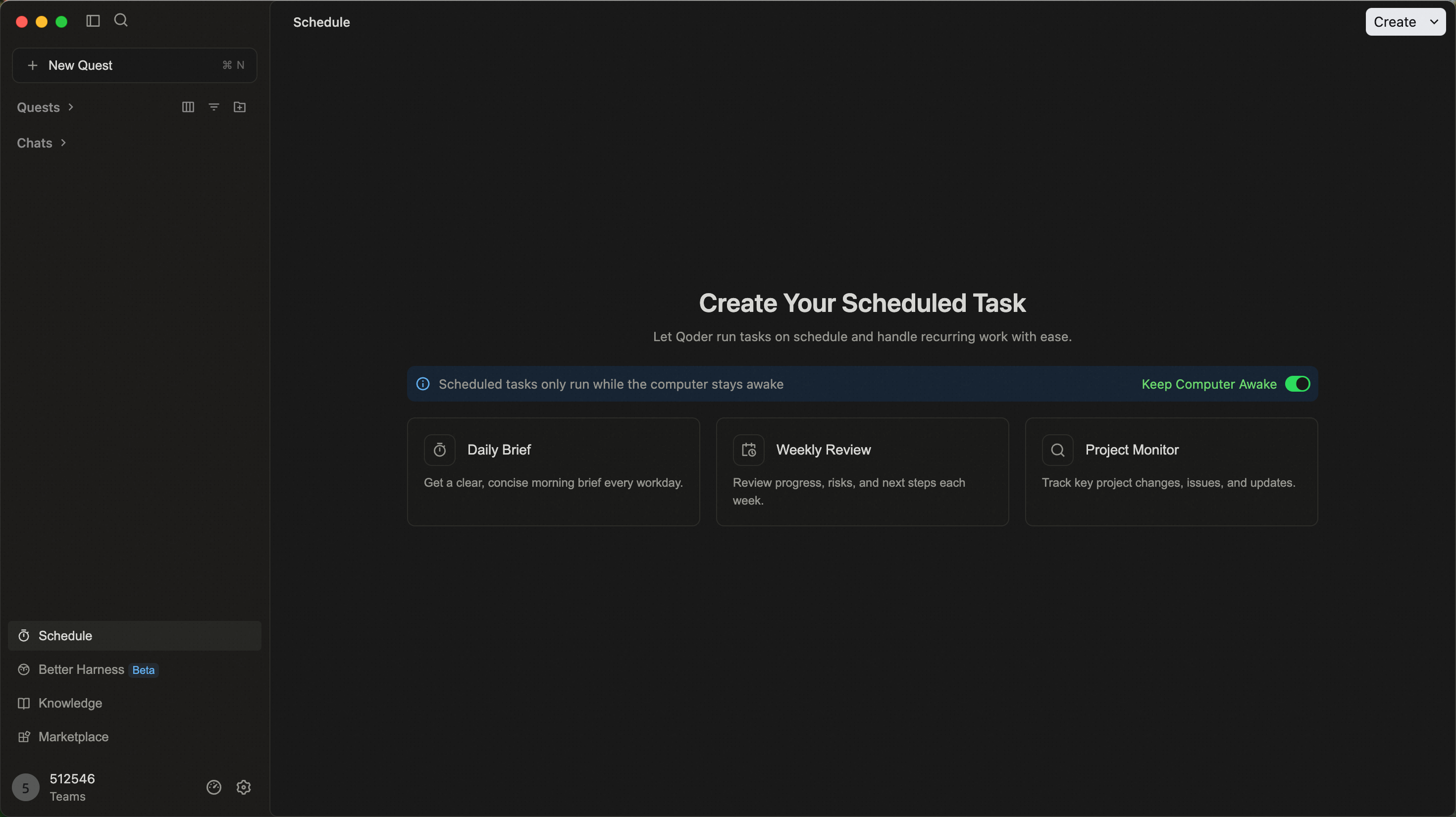
- Scheduled tasks capabilities fully upgraded: Support quick task creation through sessions or manual configuration, support more types of scheduled tasks; add unified management module to make task viewing and management more efficient and convenient.
Improvements
- Optimized knowledge card tool call switching mechanism, enhanced tool collaboration stability during answering process.
- SubAgent supports calling Skills from main session, enhancing collaborative processing capabilities for complex tasks.
Input Box Quick Actions and Terminal Mode Upgrade
Features
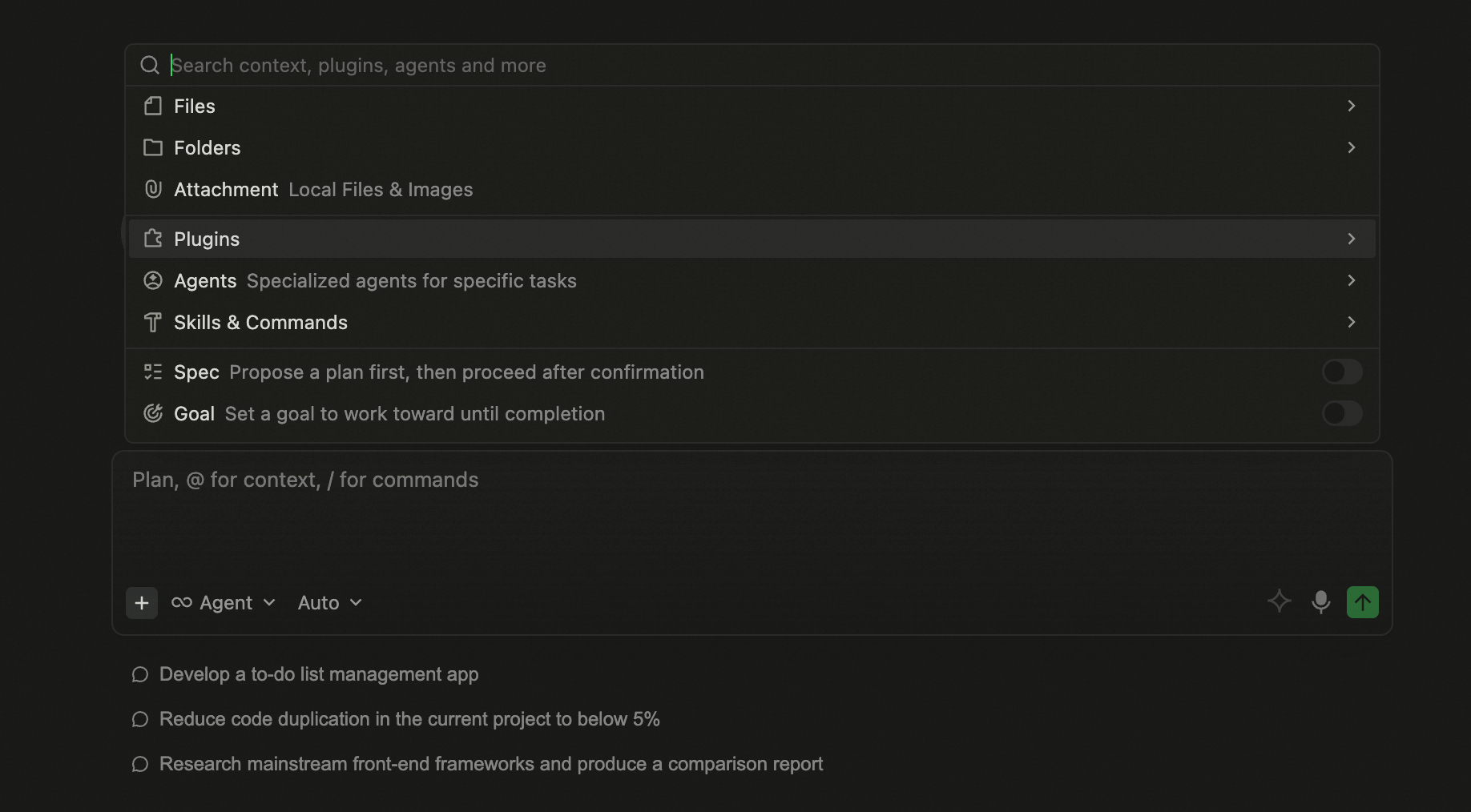
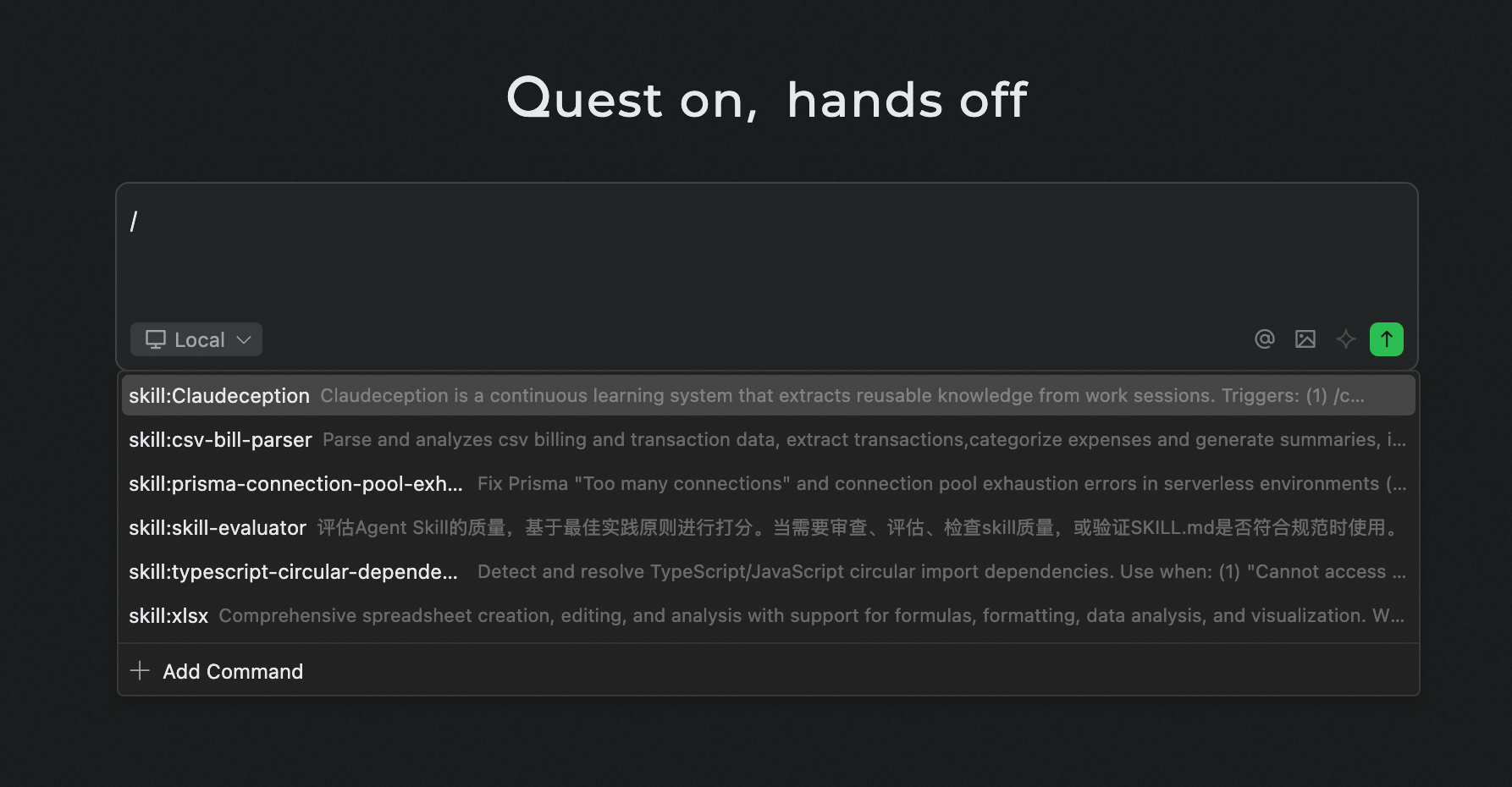
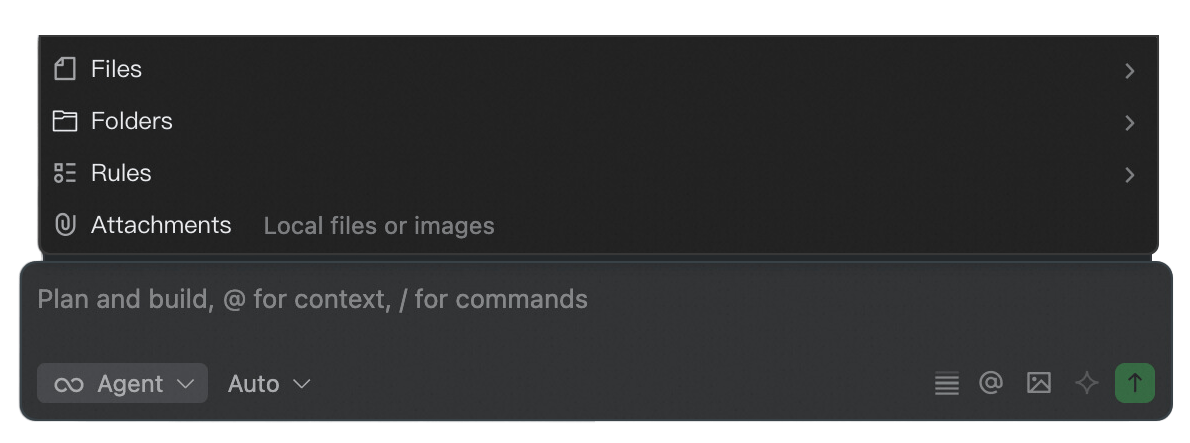
- More convenient input box operations: Click the "+" at the bottom left of the input box to add context, invoke commands, or switch modes. Meanwhile, the "/" command menu has been optimized for more intuitive operations and better readability.
- Terminal now supports Full Access mode: Once enabled, terminal commands run directly without per-command confirmation or sandbox restrictions. This mode may lead to accidental file changes, data loss, or information leakage—enable with caution.
Improvements
- Hook PostToolUse event supports updatedToolOutput.
- Streamlined Agent prompts and tool descriptions to improve understanding efficiency and reduce irrelevant information interference.
- Optimized memory retrieval agent effects, enhancing the relevance and usability of historical information recall.
Improvements
- improved Voice stability.
Qoder Voice — China's first Agentic platform to launch real-time voice interaction functionality
Speak to work: Speak your ideas directly, instantly convert them into tasks and continuously drive progress, eliminating the tediousness of typing word by word. Cross-screen working: The floating ball stays above any application, turning what you're currently viewing into context, allowing Qoder to see your work scene. Progress like chatting: Discuss ideas, organize thoughts, and clarify requirements through natural conversations, light and unobtrusive to your flow state.Improvements
- Optimize the queuing experience for sub-agent models
- Optimize the performance of the latest ultimate model
Improvements
Functionality
- RepoWiki supports multi-project knowledge generation: Generate content for multiple projects in the Editor area at once, meeting cross-repository knowledge organization and accumulation needs.
- Usage panel adds entitlement arrival notifications: Receive reminders in the usage panel when entitlements arrive, staying informed of available resource changes in real-time.
Improvements
- Enhanced Hook interception reason display: Added interception reason explanations to help understand and quickly handle issues.
- More intuitive RepoWiki pre-generation settings: Key configuration items are displayed more clearly, reducing setup barriers and improving generation efficiency.
- Enhanced knowledge card Summary display: The summary area after applying knowledge cards is more comprehensive, enabling faster access to key information.
- Goal Canvas content more complete: The generated Canvas after completion includes verification screenshots and code changes, facilitating review and sharing.
- Enhanced memory indexing capabilities: Improved retrieval and hit efficiency for related content.
- Fixed Canvas share being obscured: The sharing function is no longer blocked by new overlay mechanisms.
Bug fixes
- Fixed occasional terminal execution timeout issue.
Bug fixes
- Fixed Browser Use navigation failure in the built-in browser.
Better Harness capability launched, creating better harness engineering
Features
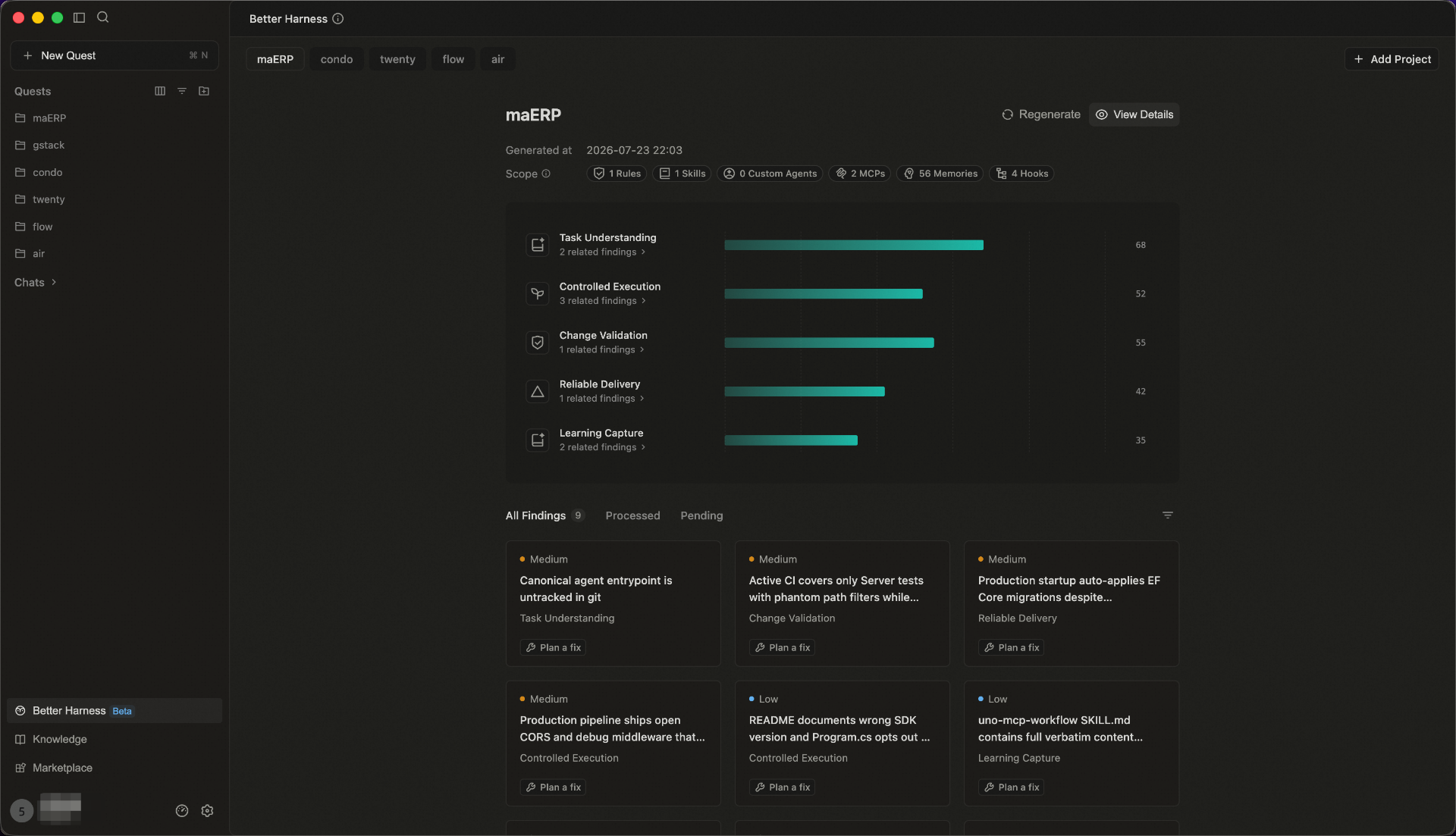
- Better Harness capability launched: Added Better Harness capability to check harness engineering practices in projects from multiple dimensions and provide targeted improvement suggestions. Supports one-click repair initiation, with Agent automatically analyzing issues and generating repair solutions.
Functions
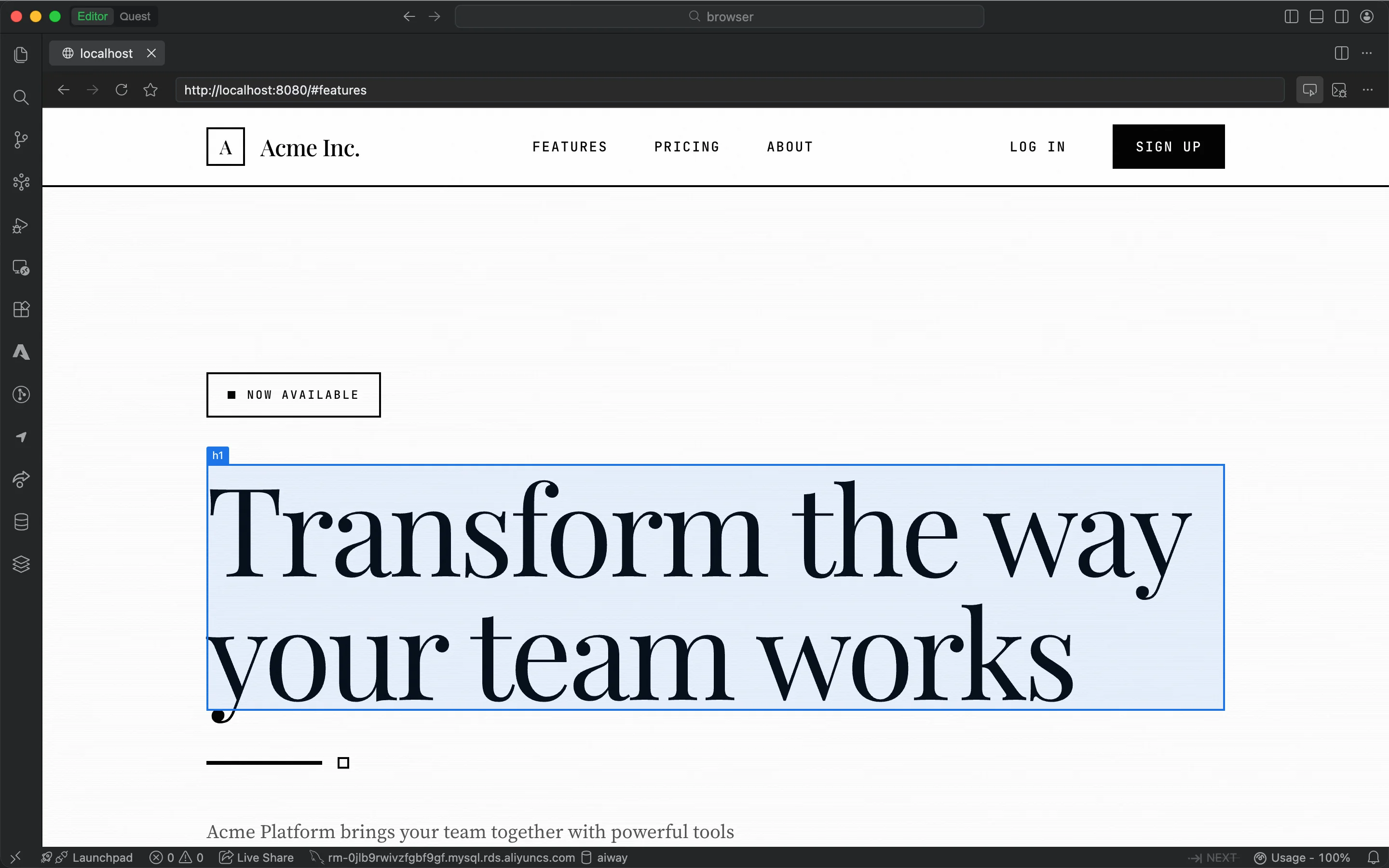
- Browser annotation supports top information bar and multi-selection: Browser annotation adds a top information bar and supports multi-selection operations, improving batch annotation and page information perception efficiency.
- Editor conversation flow adds current round change summary: Adds a change summary after each round of conversation in the Editor conversation flow, helping users quickly review the current modification content.
- Quest tool area operation view optimization: Optimizes the overall framework and layout of the right sidebar, making information hierarchy clearer and operations more convenient.
Improvements
- Optimized Remote SSH connection process management to improve remote development stability.
- Improved terminal interaction logic to reduce interference and interruption during common operations.
- Enhanced multi-project compatibility within projects, supporting more complex project organization structures.
Bug fixes
- Fix an occasional execution error in L2/L3 scans.
Introducing Qoder Security
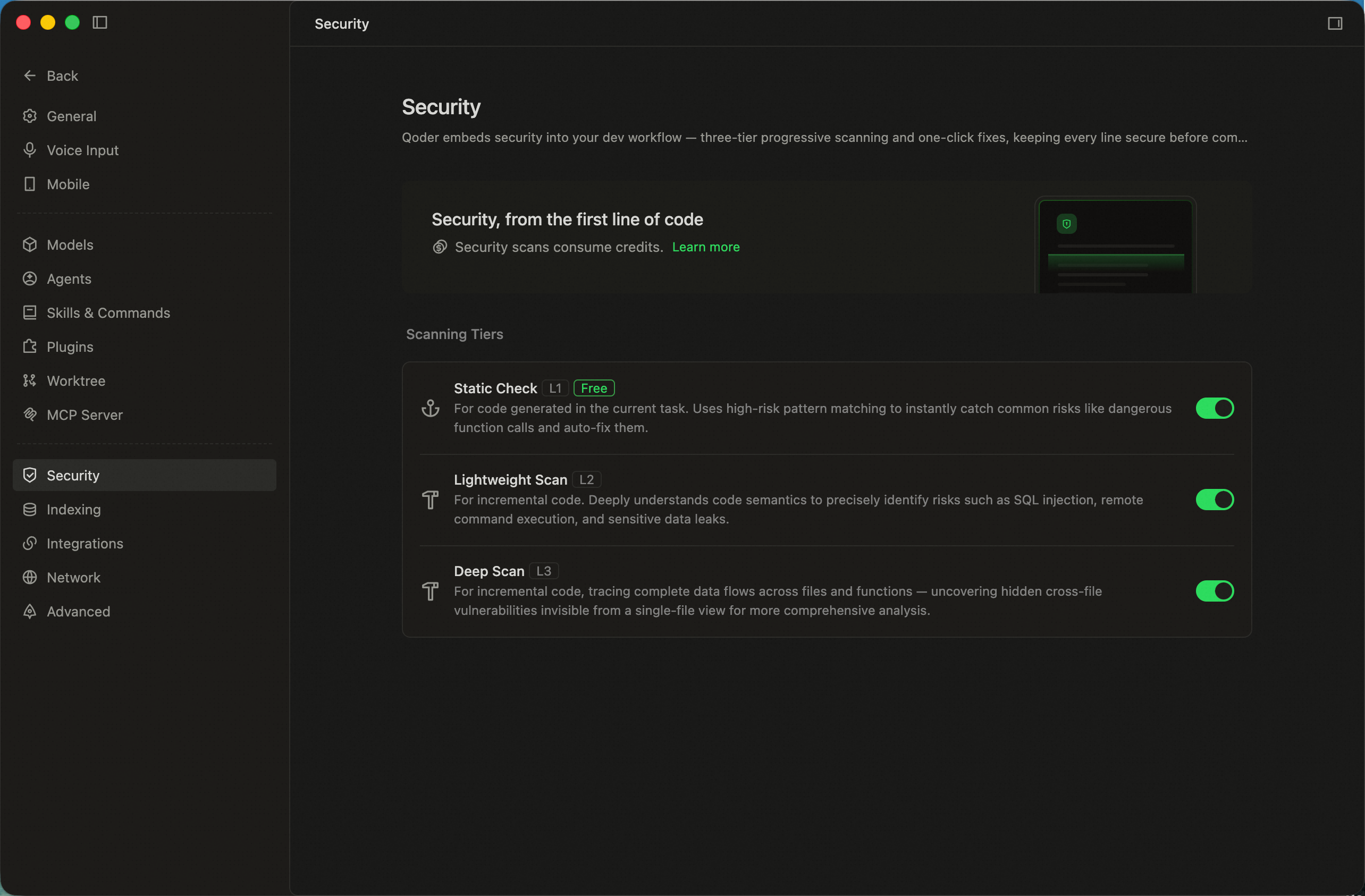
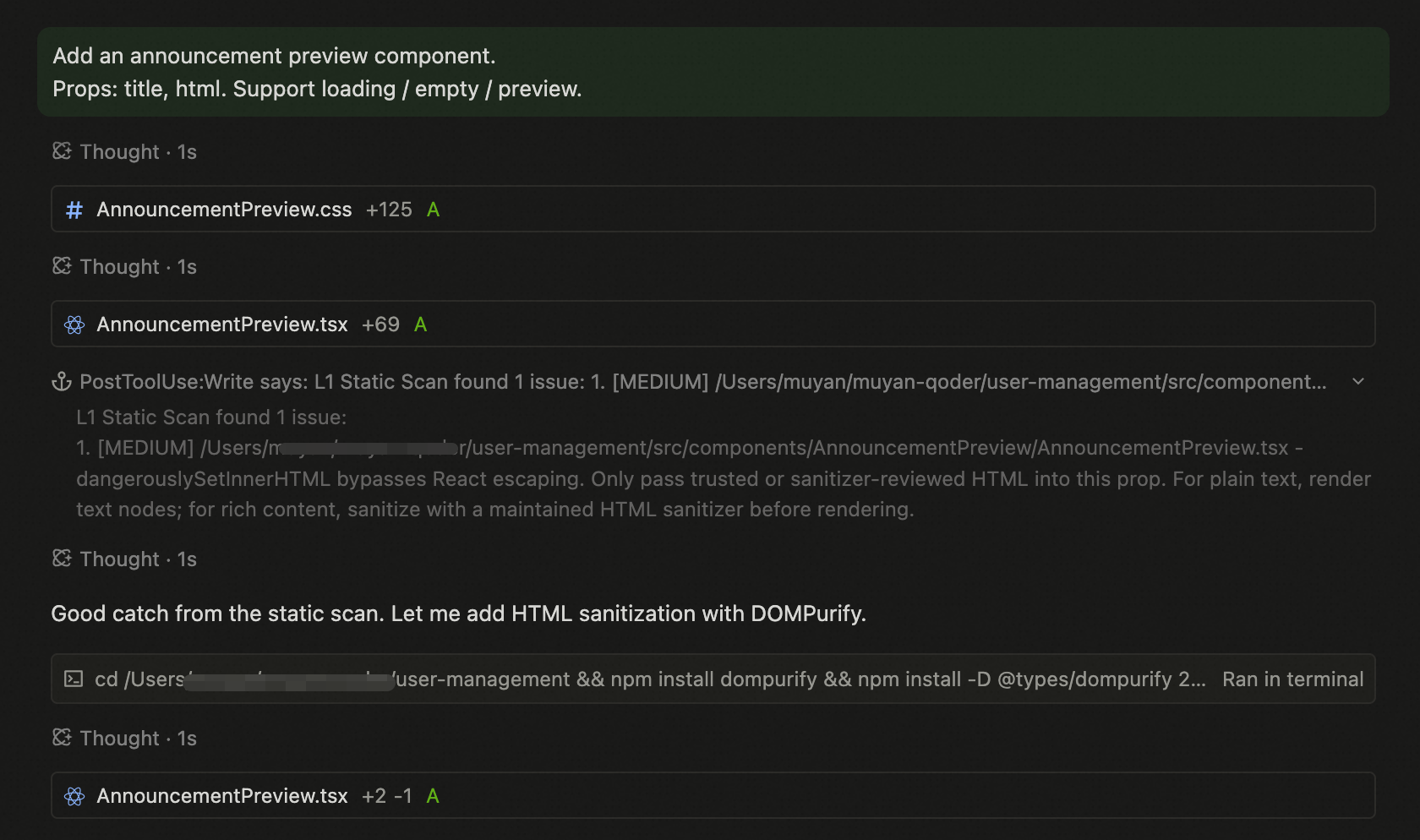
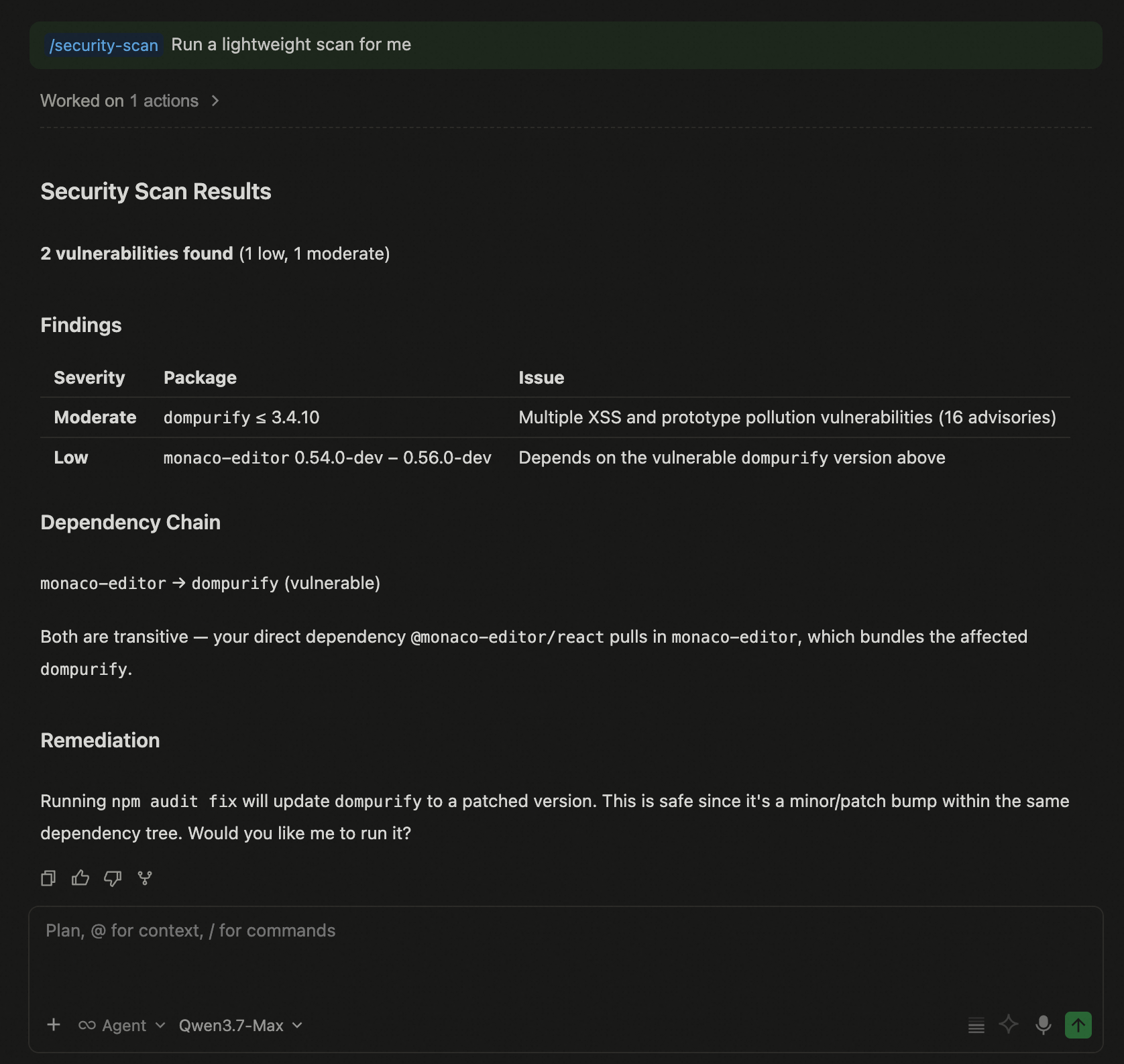
This release focuses on security for the AI coding era.As AI multiplies code output, the weaknesses of traditional security tools — catching issues too late, generating too much noise, and producing results that are hard to understand — become even more pronounced. In this release, Qoder embeds code security review directly into the development workflow, with progressive L1 / L2 / L3 scanning that brings security checks to every code generation, every conversation, and every push. Paired with one-click quick fixes, it ensures every line of code is secure the moment it's pushed.Features
- L1 Static Check: For code generated in the current task. Uses high-risk pattern matching to instantly catch common risks like dangerous function calls and auto-fix them.
- L2 Lightweight Scan: For incremental code. Deeply understands code semantics to precisely identify risks such as SQL injection, remote command execution, and sensitive data leaks.
- L3 Deep Scan: For incremental code, tracing complete data flows across files and functions — uncovering hidden cross-file vulnerabilities invisible from a single-file view for more comprehensive analysis.
Bug fixes
- Fixed NEXT feature issue on Windows.
Enterprise MCP Access Control
Features
- Enterprise MCP Access Control: Enterprise administrators can centrally manage members' access to MCP Servers, ensuring enterprise data security.
Functionality
- Rename Chats: You can now rename chats directly in the Editor Window, making it easier to organize and manage your chats.
- Edit Markdown Files in Preview Mode: In Quest Window, you can now edit Markdown files right from the preview.
Improvements
- Built-in browser now supports multiple tabs — open several pages at once to view docs, web pages, and task content in parallel.
- Improved Markdown and HTML file preview in conversation flow.
Improvements
- Optimized the underlying architecture and implementation to improve system stability and maintainability.
Canvas Sharing & Annotation
Features
- Canvas supports sharing and annotation: Canvas now supports sharing and annotation, making it easy to share content within the enterprise and refine it directly on the canvas.
- Supports text-to-image capability: Added text-to-image functionality triggered by /gen-image, with generated images supporting one-click reference and download.
- Max Round Limit for Goal: A new setting lets you configure the maximum round limit, so you can tailor execution depth to task complexity.
- Bring Chat Feed Content into Your Chat: Add content from the chat feed directly into your current chat for quick, convenient content referencing.
Improvements
- Improved file tree display and interactions for easier navigation in Quest Window.
- Refined plugin execution order and priority to reduce conflicts.
- Improved the Revert experience for clearer context tracking.
- Added Fork support after chats in the Editor Window.
- Enhanced the in-editor chat experience with support for Fork right after a chat ends.
Improvements
- Optimized MCP and Skill loading logic
Improvements
- Optimized Ultimate model performance.
Browser Annotation Launched; Hook Enhancements, Enterprise Private Marketplace & Workspace Multi-Folder Released
Features
- Browser Visual Annotation: Elements can now be selected and annotated directly during browser sessions, enabling visual debugging and page adjustments.
- Enhanced Hook Capabilities: Added five new events — SessionStart, SessionEnd, SubagentStart, SubagentStop, and Notification; introduced async hook re-awakening (asyncRewake); tool events now support conditional matching via if to target specific tools.
- Enterprise Private Plugin Marketplace: Browse, install, and use enterprise-private plugins, enabling internal plugin sharing and distribution across your organization.
- Workspace Support for Adding Folders: Quest supports adding multiple folders to the same Workspace, making it convenient to flexibly organize and manage multi-directory content within one workspace.
Improvements
- Optimized Experts task dispatch strategy to avoid duplicate dispatch of same-name Experts and reduce conflicts in executing tasks.
- Improved knowledge card generation and retrieval efficiency, enhancing the experience of organizing and finding related content.
Fork Any Chat Turn & Experience Improvements
Functionality
- Fork from Any Chat: Within a Quest task, you can now Fork from any chat turn to create a new Quest and continue exploring.
Improvements
- Improved when the right panel appears to make interactions feel smoother.
- Improved Knowledge Card for better information capacity and content organization.
- Enhanced memory self-evolution for sharper context understanding and longer-lasting recall.
- Optimized memory lifecycle management and tracking for more consistent personalized responses.
- Refined the desktop architecture for better compatibility and a more stable runtime experience.
Plugin Marketplace & Quest Experience Upgrade
Features
- Marketplace management upgrade: Added richer plugin details, flexible install scope controls, and support for managing, creating, and importing custom plugins.
- Worktree Upgrade: Added support for handling uncommitted changes and cleaning up worktrees, making task branch management clearer and easier to manage.
- Quest Task Sidebar Improvements: New grouping, sorting, and visibility customization make multitasking and task switching faster and easier.
- Run Spec as Goal: Once a Spec is generated, you can instantly set it as a Goal and kick off execution right away.
Improvements
- Improved over-limit input handling with automatic conversion to file attachments.
- Improved collapsing for long conversation threads.
- Optimized sync compression to reduce overhead and improve efficiency.
- Reduced wait time for the first message in a new conversation.
- Improved Remote SSH proxy routing for more stable remote connections.
Improvements
- Improved the follow-up input experience after pausing a Goal session.
File Tree Enhancements in Quest Window
Improvements
- Enhanced right-click context menu with richer file operation options
- Added drag-and-drop support for importing external files into the file tree
- Refined file tree styling to align with editor-wide visual styles
- Improved text file handling to prevent content truncation and bias
- Improved knowledge card export structure for clearer output and better usability
- Improved Canvas recognition of project configurations for more accurate code diagnostics
Goal-Driven and Scheduling for Long-Running Tasks
This update focuses on improving the execution experience and reliability of long-running tasks.Use Spec to structure your execution plan, or define a Goal to set clear expectations—then schedule the task to kick off automatically at the right time. No need to stay online; tasks run as planned and deliver results when complete.To go further, today's Off-Peak Discount lets you run long-running tasks during off-peak hours at a reduced Credits cost.Features
- Goal-driven execution: Set a desired goal in Quest, and the agent will work toward that goal until completion.
- One-time scheduled tasks: Schedule a Goal or Spec to run automatically at a specified time—set it and walk away.
- Steer tasks in progress: Jump in anytime to redirect or refine a running task without interrupting or restarting it.
- Improved Review-to-Commit workflow: The Quest window now covers the full diff → review → commit → push flow, making code review and submission smoother.
Functionality
- More models in Experts mode: Qwen3.7-Max and GLM-5.2 are now available.
- Inline annotations as context: Add comments directly on specific content in Spec, code, or Diff views—agents will pick them up as context and respond to your feedback precisely.
Improvements
- Reused browser state when switching between Quest task in the same workspace, reducing repeated reopening and reloading.
- Improved worktree workflow in Quest with support for handoffs.
- HTML files can now be previewed directly in the Quest window.
- Improved the empty state of the Quest file panel with clearer file-tree guidance.
- Improved logging for tool operations including commands, MCP, and Web Search.
- Improved how remote-control configuration changes are applied.
Knowledge Engine Performance Optimization
Improvements
- Added fine-grained categories for knowledge card retrieval, optimizing the knowledge card search results.
Bug fixes
- Fixed a crash issue related to the Quest Window.
Computer Use Now Available on Windows
Features
- Computer Use Supports Windows: Computer Use is now available on Windows devices, expanding desktop automation to more use cases.
Improvements
- Enhanced knowledge card type support for broader content coverage and more flexible information organization.
- Improved knowledge card retrieval for higher relevance and more accurate results.
- Optimized memory retrieval to surface more contextually relevant information, faster.
Bug fixes
- Fixed proxy config reset causing network diagnostic errors.
Better Control for RepoWiki, Better Chat Experience in Quest Window
Features
- More control before generating RepoWiki: RepoWiki now lets you define scope and perspective upfront, with conversational planning to support collaborative knowledge generation and editing.
- Standalone chats in Quest Window: Start chats directly without opening a workspace, perfect for quick questions and lightweight tasks.
- Quick Navigation in Quest: A new sidebar in Quest Window lets you navigate directly to any target chat within a task.
- Custom Models: Configure context window and thinking mode for your BYOK models in the Personal edition.
- Bring SSH Remote Control to mobile: Manage and collaborate on remote devices with greater flexibility.
Improvements
- Optimized Git branch selector in Quest Window to view more branches at a glance.
- Terminal tool display refined for clearer, more intuitive interactions.
- Improved evaluation and tracking for the memory agent.
Kimi-K2.7-Code Supports Fast Mode
Features
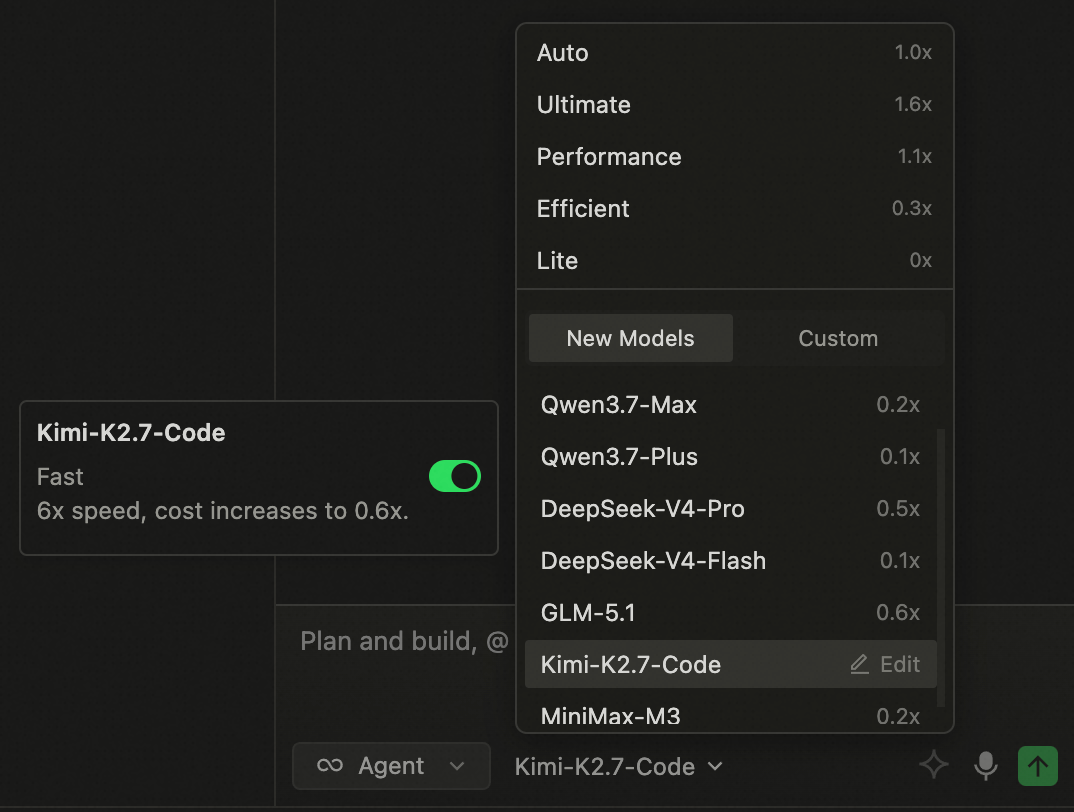
- Kimi-K2.7-Code now supports Fast Mode, delivering 6× faster speed for a superior coding experience.
Support SSH Connection Multiplexing, Session Loading and Knowledge Retrieval Capability Optimization
Features
- Support SSH ControlMaster connection multiplexing, reducing repeated authentication in remote scenarios and improving connection efficiency
Improvements
- Optimize session loading in Quest window agent mode, enhancing the completeness of historical session retrieval and usage stability.
- Optimize knowledge retrieval performance, improving retrieval efficiency and result effectiveness to help users find required content faster.
Quest Window Supports Mobile Remote Control
Features
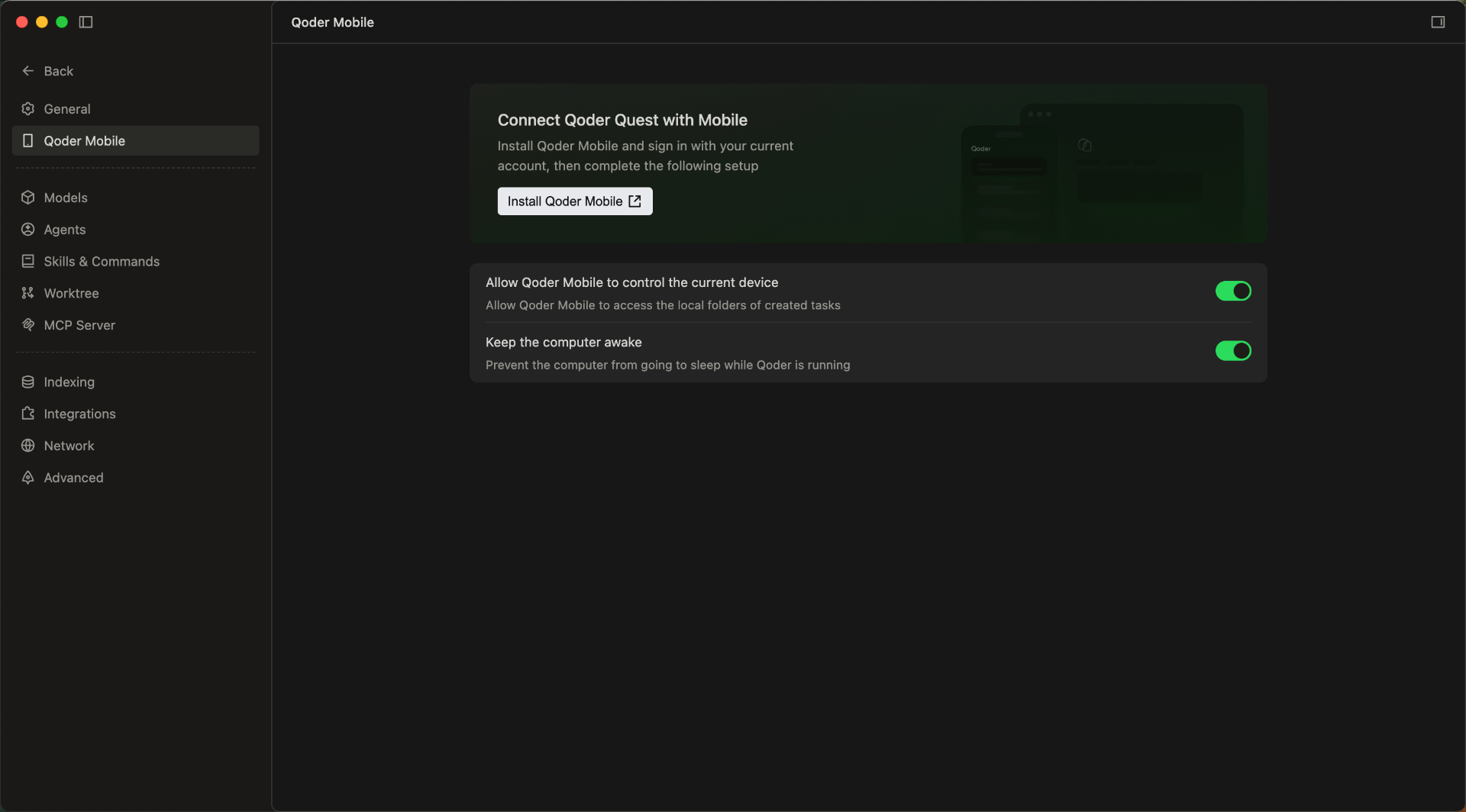
- Quest Window Mobile Access Support: Users can view and process tasks anytime, anywhere, enabling flexible and convenient remote operations.
- More Model Tiers in Quest Window: The model selector in Agent mode now offers three tiers (Performance, Efficient, and Lite) for clearer, more intuitive model selection.
- Enhanced Expert Team and Sub-Agent Personalization: Built-in expert agents now support custom prompts to better align with your team's standards and personal preferences. Custom sub-agents also support model configuration, making it easier to match the right capabilities to each task.
Improvements
- Improved onboarding for the App Window Snapshot feature, helping you set up shortcuts faster.
- Improved file drag-and-drop in Quest window, expanding the droppable area for easier uploads.
- Updated the Credits usage panel with promotional activity details, including quota, usage count, and remaining balance.
- Improved knowledge retrieval accuracy and efficiency.
- Optimized local index cleanup to reduce unnecessary index overhead and improve resource utilization.
- Optimized the reporting logic to reduce sync stuttering and improve overall smoothness.
Team Knowledge Engine and Voice Input Upgrades
Features
- Team Shared Knowledge Engine is now live
- Bring User Memory, RepoWiki, and Knowledge Cards into one shared system.
- Enter /knowledge in the chat box to update knowledge anytime.
- Knowledge is stored in the cloud, maintained by the team, and used by Agents in real time.
- Smart Polishing for Voice Input: Automatically refines colloquial speech after transcription, making your input clearer and more natural for higher-quality interactions with Agent.
Improvements
- Optimized generation and update performance of RepoWiki and knowledge cards in large repositories.
- Improved knowledge hit efficiency in code change scenarios.
- Improved the performance and experience of Agent Mode in Quest Window.
- Streamlined the knowledge usage workflow, reducing the effort required to supplement project background information.
Support for Using Dev Container in SSH Remote
Features
- Support for using Dev Container in SSH Remote: Added Dev Container support for SSH Remote environments, along with the ability to attach to any Docker container, improving flexibility and consistency of remote development setups.
Improvements
- More keyboard shortcut options are now available for App Window Snapshot, configurable in Settings → Integration → App Window Snapshot.
- Added a clearer entry point to sub-agent settings in the Experts model selector in the Quest Window, helping users configure sub-agents more quickly.
- Optimized the experience for handling long history sessions, maintaining more stable and smoother interactions in ultra-long context scenarios.
Better Quest Multitasking, plus Customizable Expert Agent Models
Features
- Custom Tiled Layout for Quest Window: Split the Quest window into multiple panes to handle several Quest tasks at once, with less tab switching.
- New "My Quests" Dashboard: Track all your tasks in one centralized view, monitoring progress across statuses to stay on top of your workload.
- Custom Models for Experts: Customize the models used by Expert agents in Expert Mode, choosing from built-in or custom models to fit different scenarios.
- Code Review capability enhanced: Run /ultra review for deeper analysis and higher-quality suggestions, helping you spot potential issues faster and improve your implementation.
Improvements
- Optimized preview display effect of cards in conversation flow, making key information clearer to view.
- Optimized knowledge engine retrieval and intervention strategies before generation, improving answer relevance and hit effectiveness.
- Optimized retrieval agent memory writing logic, reducing interference from duplicate content on conversation results.
- Optimized memory agent intent recognition, retrieval recall and reflection effects, improving long-term conversation quality.
- Optimized session storage capabilities, enhancing historical content management and session continuity experience.
New App Window Snapshot
Feature
- Capture the current window with a double press:Double-press the Command (⌘) key to quickly capture a screenshot of the frontmost app window and use it as context for the agent, helping it understand what you're viewing faster. Currently available on macOS only.
Improvements
- Performance Optimization of Knowledge Engine Generation
Added Support for Computer Use Capability
Features
- Computer Use Capability Supported on Mac: Once authorized, Agent can invoke computer operation capabilities on macOS, operate apps in the background, and complete more complex automation tasks.
Improvements
- Relaxed file type restrictions for input box drag-and-drop, reduced file format limitations for smoother operations.
- Optimized execution methods for multiple Hooks, supporting concurrent processing to improve overall response efficiency.
- Enhanced knowledge retrieval effectiveness, helping tasks more accurately hit relevant knowledge content during the process.
- Improved LSP tool capabilities, supporting third-party package calls to enhance code retrieval and comprehension completeness.
Knowledge Engine Optimization
Improvements
- Optimize the overall capabilities of the knowledge engine to improve the experience of knowledge retrieval, comprehension, and result presentation;
- Refine the details after the knowledge engine's release to enhance stability and usability in daily operations;
- Enhance the quality of responses based on knowledge content, reduce interference from irrelevant information, and improve result relevance.
Bug Fixes
- Fix potential layout misalignment issues in Markdown preview
Model Selector Feature Enhancement
Features
- Model Selector: Support for adjusting Context and Thinking Effort parameters.
Improvements
- Improved behavior recommendation generation strategy for better accuracy.
Quest mode now supports WSL connections.
Features
- Added support for WSL connections in Quest mode.
Improvements
- Improved code review performance in Quest mode.
Fixes
- Fixed an issue where Do Not Disturb mode was enabled by default in Quest mode.
- Fixed an issue with incorrect background rendering in editor WebViews.
- Fixed an intermittent issue where context buttons in the input box were not displayed.
Introducing Qoder 1.0
Since the first release in August 2025, Qoder has shipped more than 60 production releases in just nine months. Each one has been part of an ongoing exploration of a single question: how AI can truly transform software development.From initial code completion, to Agentic Chat, to Quest mode, and then to Experts mode—we have been validating one judgment all along: AI is evolving from "assisting you to write code" to "delivering complete software outcomes on their behalf." Qoder 1.0 is our milestone response to that shift.Qoder 1.0, evolving from AI IDE to autonomous development desktop.Highlights
-
New Quest Window & Refreshed Editor
- Quest upgrades from IDE mode to standalone window, becoming the command center for Agent First workflow
- Editor window completely upgraded, delivering smoother human-machine collaborative coding experience
-
Cross-Project Multi-Task Parallel Processing
- Supports multiple Workspaces running different project agent tasks simultaneously
- Unified panel tracks global activities in real-time, automatically generates delivery checklist upon task completion
-
Team Shared Knowledge Engine
- Unified user memory, Repo Wiki, and knowledge cards for team-wide management and reuse
- Cloud-based team knowledge, collaboratively maintained and continuously used by agents (Currently in Private Preview)
- Multi-Agent Expert Team Collaboration
- Five types of experts: planning, research, coding, review, and testing officially join Quest, completing end-to-end delivery in pipeline mode
- Supports custom experts—configure domain knowledge, skills and tools, creating dedicated Agent teams tailored to business scenarios
Other Features
- Knowledge Management: Provides more centralized knowledge access in Quest, helping users efficiently accumulate, organize and call content assets.
- Marketplace Entry Launch: New Marketplace module added, convenient for users to discover, obtain and manage more extension capabilities.
- New /Canvas Visualization Generation Capability: Supports generating interactive Canvas views through /canvas trigger, making content organization, report presentation and analysis more intuitive.
Improvements
- Settings configuration more centralized, consolidating common settings into configuration center, reducing scattered search costs and improving personalized adjustment efficiency.
- RepoWiki adds update strategy settings, supporting enabling or disabling auto-update in settings, making knowledge content update methods more aligned with personal preferences.
- Optimized client-server reconnection path, reducing connection interruption impact on continuous usage experience.
- Improved session and command trigger path stability, reducing operation interruptions caused by exceptions.
- Optimized Quest configuration center module organization, making core capability entry clearer.
Experience Optimization and Stability Improvement
- Optimized the retry capability of sub-agents in specific exceptional scenarios, improving task execution continuity and success rate.
- Completed code merging and capability alignment, enhancing overall functional consistency.
Improvements
- Optimize SearchAgent performance
- Optimize ChatSession performance
Bug fixes
- Fixed an issue where previously edited content was repeatedly highlighted in the editor diff during consecutive Agent edits.
Qoder Community Edition Officially Released
Qoder Free Edition has been upgraded to Community Edition. The Community Edition will continue to provide Qoder's core capabilities, including code completion, Agentic Chat, Quest mode, RepoWiki, and more, helping developers efficiently complete daily development and collaboration tasks. Meanwhile, the Community Edition has opened BYOK (Bring Your Own Key), supporting users to connect their own model services for more flexible configuration and usage.Features
- Support for custom model integration (BYOK): The Community Edition now supports configuring and using custom models in the client, meeting more flexible model selection and integration requirements.
- Support for mainstream domestic MaaS vendors: Currently supports integration with multiple mainstream domestic MaaS services, including: Alibaba Cloud Baillan, Kimi, DeepSeek, Z.ai, MiniMax.
Improvements
- Optimized Chat performance
Ultimate Model Upgrade, Comprehensive Capability Enhancement
Features
- Ultimate Model Grading Fully Evolved: Equipped with the latest top-tier models, achieving comprehensive improvements in complex task reasoning, instruction understanding, and visual performance, with limited-time half-price event launched simultaneously.
Improvements
- Enhanced ultra-long session experience, improving fluency and usability in extended conversation scenarios.
- Linux environment compatibility with lower version glibc, expanding the range of supported runtime environments.
- Maximum MCP service connection limit removed, supporting more flexible access and management.
Improvements
- Minor Agent improvements.
Improvements
- Improved resilience under unstable network conditions.
Chat Revert Experience Optimization and Retrieval Efficiency Improvement
Features
- Clearer chat revert operation: Optimized interactive feedback after Revert trigger to help users more intuitively understand the rollback scope and current status.
Improvements
- Optimized model traffic distribution strategy for search-related Agents to improve stability and response effectiveness for retrieval tasks.
Behavior Recommendation Card Launch and Multiple Stability Optimizations
Features
- New Behavior Recommendation Card: Intelligently provides next-step behavior recommendations based on current usage scenarios, improving operational efficiency and user experience.
Improvements
- Added Agent execution loop detection to reduce interruptions and resource consumption caused by abnormal repeated executions
- Search Agent adds Wiki tool, supporting access to more knowledge retrieval sources during task processes
- Optimized processing strategies for ultra-long thinking scenarios, supporting automatic retry and guidance for continued execution in extreme cases to improve task continuity
- Reduced package size, enhancing download, installation, and update decompression speeds;
Bug fixes
Fixes
- Fixed an issue where update notifications appeared repeatedly on Windows.
Bug fixes
Fixes
- Fixed intermittent service connection failures
DevContainer Support and Extension Host Isolation Optimization
Features
- Added DevContainer capability support: Supports preparing development environments through DevContainer, helping teams achieve a consistent development experience more efficiently.
Improvements
- Optimized process isolation capabilities for built-in AI coding related extensions, enhancing runtime stability and overall experience.
Bug fixes
Fixes
- Fixed occasional lag issue on Windows.
Enhanced Multitasking Experience with Separate Chat Windows
Features
- Chat now support separate windows: You can now open Agent chat in a standalone window, making it easier to manage multiple chats in parallel and improving overall efficiency.
- Quest mode now supports editing sent messages: In Quest mode, you can now edit messages after sending them, making it easier to refine your conversation and improve flexibility.
Improvements
- Subagents now support MCP calls: Subagents now support MCP calls, enabling more flexible task coordination and integrations.
Experts Mode is Here
Features
- Introducing New Auto Model Tier: 50% fewer Credits than "Ultimate" tier in Experts mode, delivering high-quality output at significantly reduced cost.
Highlights Recap
- Multiple Experts, Working in Parallel for One-shot Delivery: From solution design and coding to quality assurance, Experts Mode covers the entire workflow — delivering engineering-grade results in a single shot.
- A Self-evolving AI Team That Gets You: Continuously learns your coding style, builds up shared team experience, and evolves into an AI team tailored just for you.
Improvements
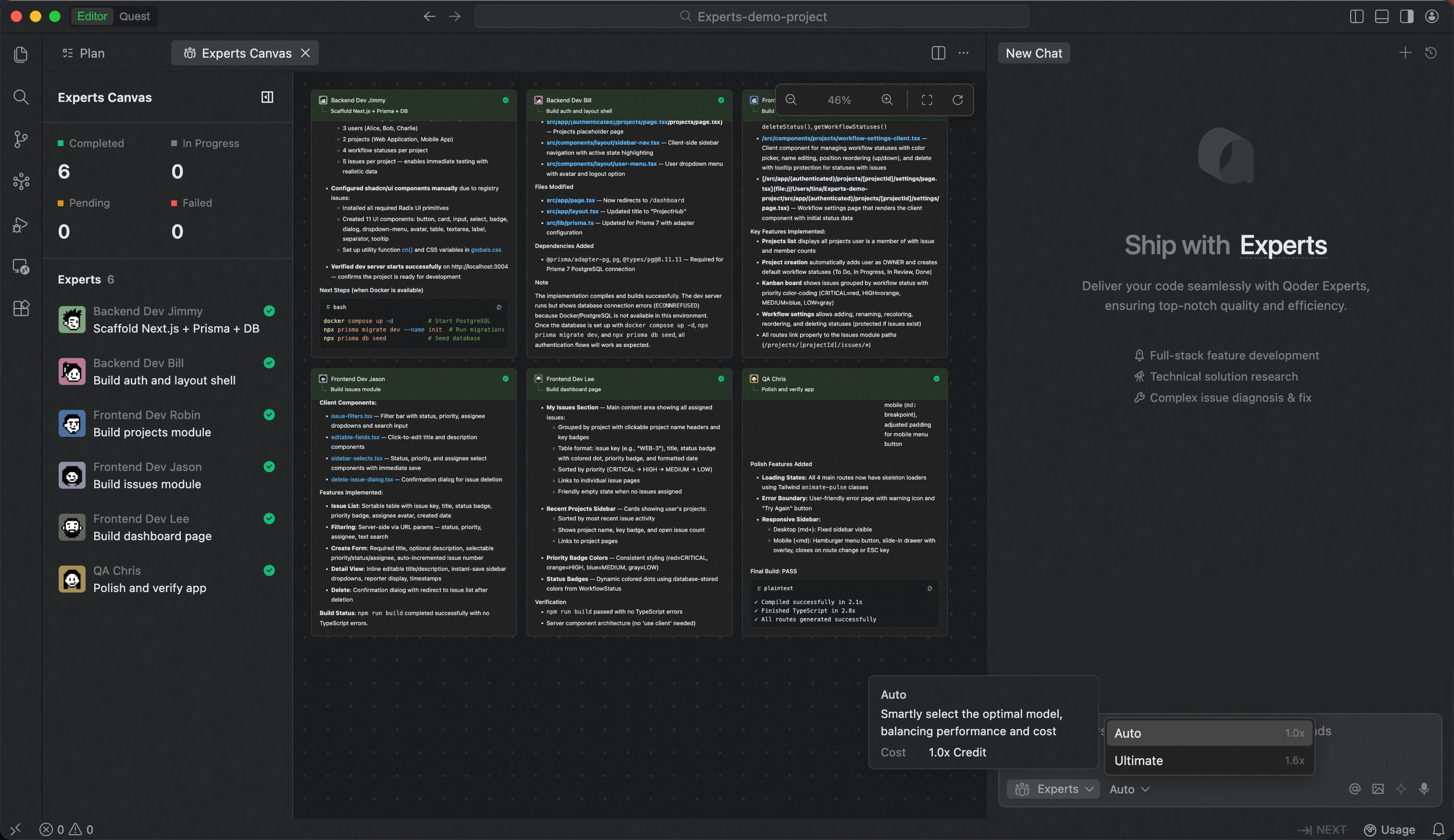
- Enhanced Experts Canvas view with clearer collaboration visibility and smoother interactions.
- Optimized terminal execution in Experts mode with sandboxed isolation and silent operation for safer, distraction-free workflows.
Quest mode supports Supabase and with enhanced navigation; Experts mode launches view of the full expert team; built-in browser fully upgraded
Features
- Expert Team Canvas in Experts Mode: A real-time dashboard that visualizes each expert's task progress and execution workflow, giving users complete visibility into complex multi-agent operations.
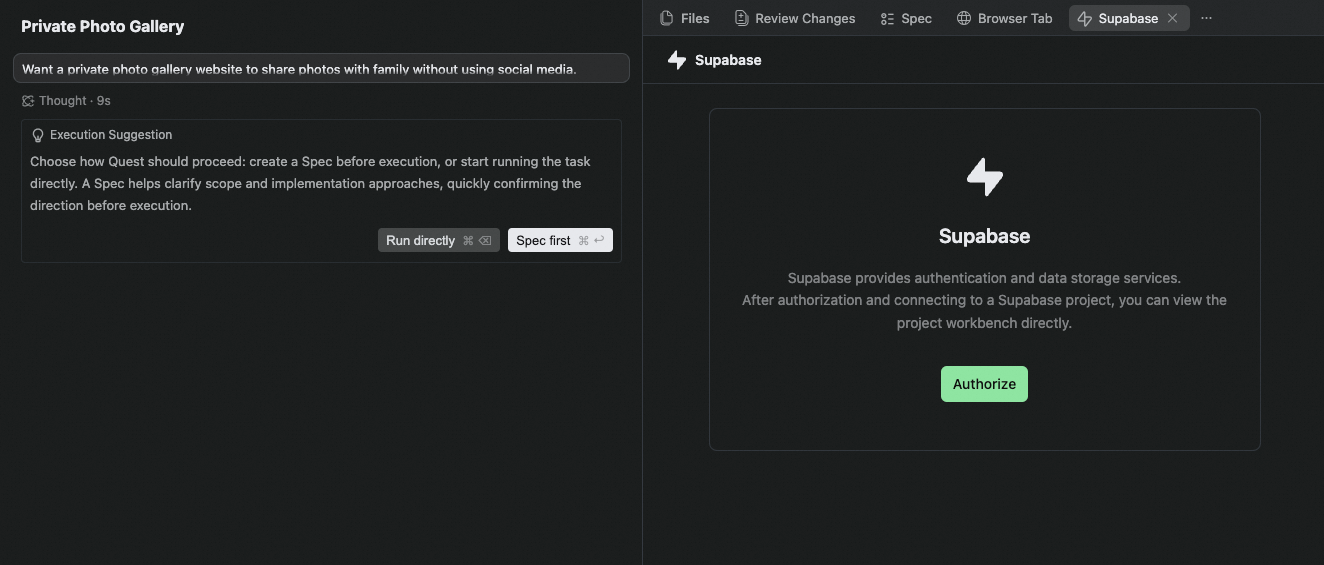
- Supabase Integration in Quest Mode: Authorize and connect to multiple Supabase projects, with enhanced database capabilities and in-IDE preview of database table schemas.
- Skill UI is now live: Agents can render interactive HTML components during execution — forms, charts, config panels, and more. First use requires creating the interface.
- Built-in Browser Upgrade: The built-in browser has been fully upgraded, now supporting Browser Use, bookmarks, and the ability to open the debug panel.
- Hook Support: IDE and JetBrains plugins now support hooking into key stages of the Agent execution flow via a Hook mechanism. Five hook events are currently supported: UserPromptSubmit, PreToolUse, PostToolUse, PostToolUseFailure, and Stop.
Improvements
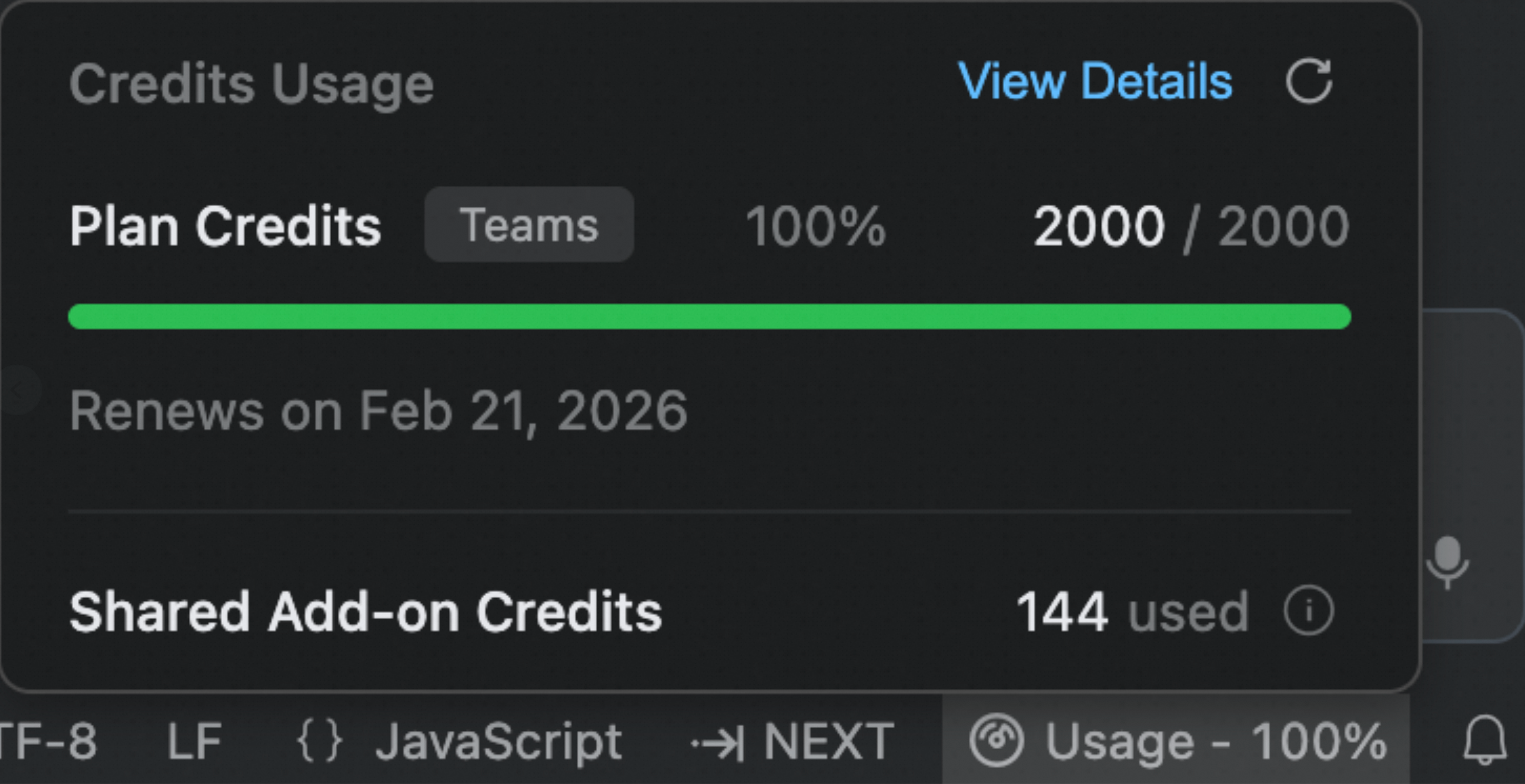
- Credits Usage: Improved quota information display and added explanations for Shared Add-on Credits, making usage and limits clearer.
- Quest Mode Deliverable Panel Navigation Upgrade: Optimized interaction experience of navigation bar and file tree hierarchy.
- Improved Quest mode experience when no project is open, making it easier to find historical tasks.
- Improved the experience of question cards within the Quest mode conversation flow.
Improvements
- Improved Quest performance for large code changes.
- Enhanced conversation context handling across sessions.
- Optimized Next prediction trigger timing in editor.
- Refined Agent file operation decision logic.
Bug fixes
- Fixed intermittent file location errors in Quest.
- Fixed task hanging in Expert Mode.
- Fixed terminal failing to start as interactive session in Expert Mode.
Experts Mode (Beta) is Now Available
Features
- Introducing Experts Mode (Beta): A multi-agent collaboration feature that assembles an AI expert team on demand. Describe your requirements, and the team handles everything—from solution design and implementation to testing and validation.
- A Team of Specialists, Collaborating in Parallel: Team Lead coordinates and orchestrates. It tracks progress throughout, consolidates results, and ensures delivery quality. Compared to single-agent sequential work, it's faster, more stable, and reduces rework.
- Self-Evolving AI Team That Learns and Grows with You: Expert skills continuously learn your tech stack and coding style, while team skills accumulate optimal task decomposition and collaboration patterns.
- From "Generating Code" to "Delivering Results": Covers the complete workflow of requirement analysis, solution design, code implementation, test cases, and quality checks—delivering high-quality engineering artifacts ready for the next phase.
- Fine-Grained Edits via "Add to Chat" in Quest Mode: In Quest mode, the artifacts in the Deliverables panel now support fine-grained edits via "Add to chat" — select any content to add it to the conversation. Works for both code files and Spec files.
- Search Agent Support in Agent Mode: The Agent mode supports the search agent, further enhancing retrieval performance (currently effective for the Ultimate mode).
Improvements
- In Quest mode, the task list sorting is optimized — tasks are now sorted by most recent conversation in descending order.
Support Custom Models
- Now supports BYOK (Bring Your Own Key) configuration for easy integration with Coding Plans from providers including Alibaba Cloud Model Studio.
Bug fixes
- Fixed Repo Wiki language inconsistency
- Fixed terminal not waiting for long commands to finish
Agent mode supports cross-project search, VS Code base upgraded, Windows Terminal Sandbox supported
Features
- Agent mode supports cross-project search and file editing across the same workspace.
- Upgraded to VSCode base version 1.106.3.
- Agent mode supports Windows Terminal Sandbox: Commands executed by the Agent can now run within a secure sandbox, effectively isolating potentially risky operations (currently in phased rollout).
- New model supports in Quest mode: Qwen-Coder-Qoder, Qwen3.5 Plus
- Qwen-Coder-Qoder: A deeply customized model built to enhance the end-to-end programming experience in Qoder. Learn more.
- Qwen3.5 Plus: Alibaba's latest model, delivering a comprehensive leap in reasoning capability, efficiency, and multimodal experience.
- Repowiki
- Core Experience Upgrades: Generation progress visualization, optimized operation guidance to distinguish between generation and updates, added import/export instructions for two-way sync, added auto-export capability.
- More efficient traceability: Projects linked to Git now automatically display Commit IDs after generation; source reference annotations now include line numbers.
- New user activity visibility: Display remaining free generation credits.
Improvements
- The input box now supports attaching up to 20 images and 20 files.
- The file tree in Quest mode now supports right-click actions: Add to chat, Copy relative path, and Reveal in folder.
- Chat interaction optimization in Agent mode for an empty project.
Bug fixes
- Fix the Agent busy exception issues occurring in the Quest mode
Code Review Agent, Skills Management, Model Selection & Vercel Deployment in Quest Mode
Features
- /Code Review Support: A built-in Code Review Agent is now available. Use /Code Review to start a focused review scoped to your needs.
- Visual Management for Skills & Custom Agents: A unified visual interface for managing Skills, Custom Agents, and Commands. Auto-create, import, and configure with ease.
- New model supports in Quest mode: GLM-5, Kimi-K2.5 and Minimax-M2.5
- GLM-5: Zhipu AI's latest flagship model, excels at complex systems engineering and long-horizon tasks;
- Kimi-K2.5: Kimi's latest model, excelling in multimodal understanding and complex task handling;
- Minimax-M2.5: MiniMax's latest Agentic model, combining speed, performance, and cost-efficiency
- Use /vercel-deploy in Quest Mode: Deploy web projects to Vercel via automated workflow, covering CLI setup, OAuth login, build, and production deployment.
Improvements
- Improved guidance when credits are exhausted
- Custom Agents now support Skills configuration as part of their setup
- Improve the experience of open code files in Quest - Deliverables
Bug fixes
- Fixed Quest button disappearing when LayoutControl is hidden.
New GLM-5 and Minimax-M2.5 Model Support, Improvements to deliverables, skills in Quest mode
Features
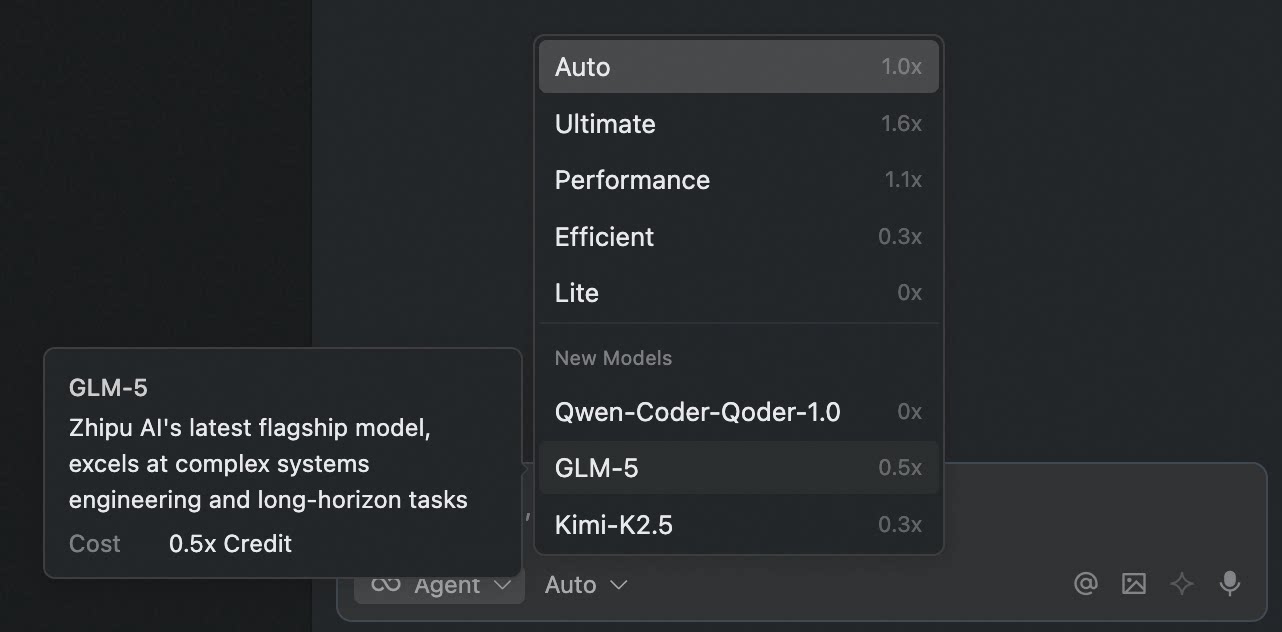
- GLM-5: Zhipu AI's latest flagship model, excels at complex systems engineering and long-horizon tasks
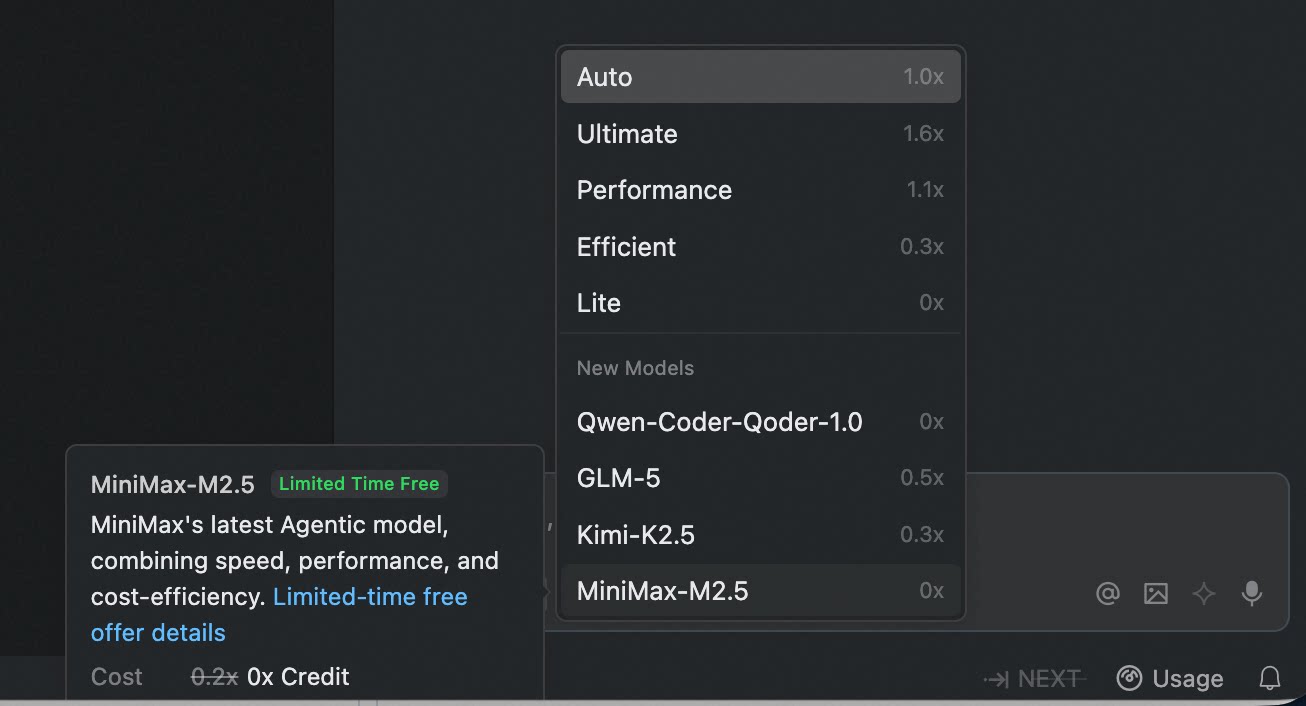
- Minimax-M2.5: MiniMax's latest Agentic model, combining speed, performance, and cost-efficiency
- Added Files to Quest mode for project file navigation and quick context addition
- Integrate Vercel Skill in Quest mode: Deploy applications directly from conversations
- NEXT supports reading clipboard history
Improvements
- Custom Subagent execution details now support expanding in a popup for viewing
- Enhanced Skills invocation within Quest tasks
- Improved user experience for creating new tasks and collapsing sections in Quest mode
- Refreshed example content on Quest mode
New Kimi-K2.5 Model Support
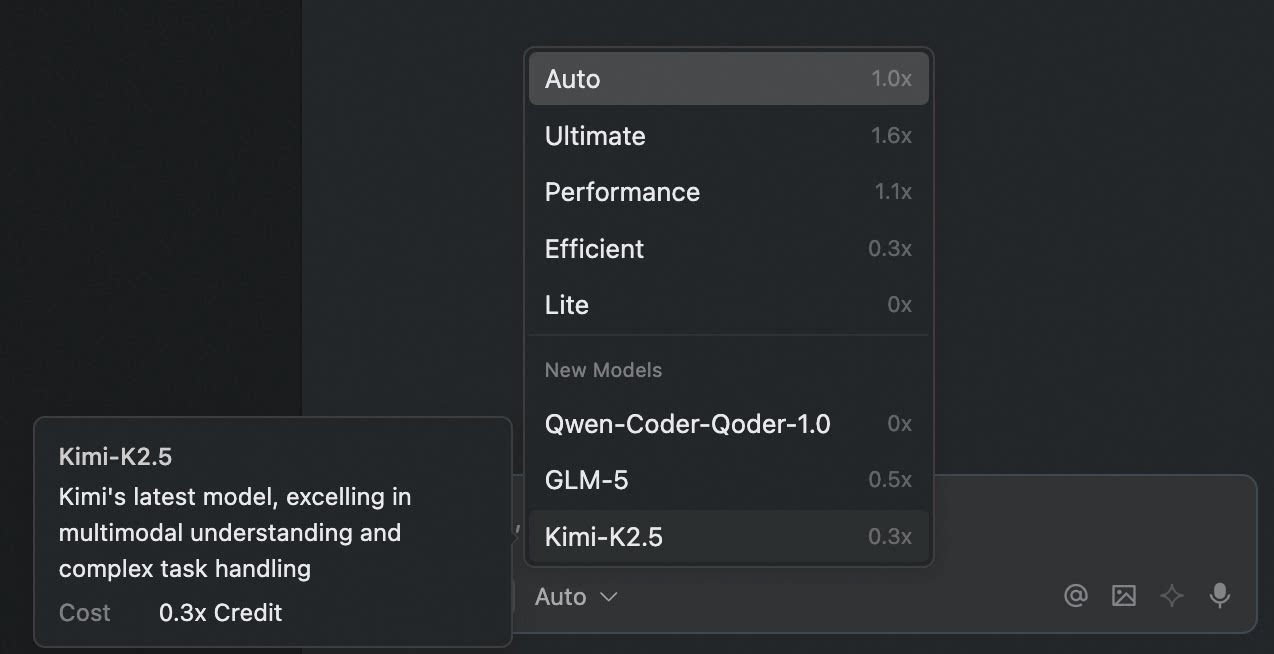
- Kimi-K2.5: Kimi's latest model, excelling in multimodal understanding and complex task handling.
Bug fixes
- Fixed issue where new users couldn't receive quota allocation after registration
- Fixed performance issues with the Quest panel
Bug fixes
- Fixed an issue where context with images could cause IDE crash
- Fixed an issue where switching Quest to Editor mode might cause the editor area not to display
Support for .agents/skills
Features
- Support for .agents/skills: Now reads skills from .agents/skills, following the industry standard.
Bug fixes
- Fixed occasional system error issue
- Fixed occasional file editing freeze issue
Built for Qoder: The New Qwen-Coder-Qoder Model, Elevating the End-to-End Coding Experience
Features
- Introducing Qwen-Coder-Qoder Model: A deeply customized model built to enhance the end-to-end programming experience in Qoder. Learn more
- New Built-in Skills: Added built-in
create-skillandcreate-agentskills to guide and simplify the process of creating skills and custom Agents for users.
- Quest:Distinguish between pending changes and all changes in Review changes
Improvements
- One-click Prompt Optimization: Improved handling of @Mention scenarios within prompts
- Credits Usage: Added display of organization Shared Add-on Credits usage
- Installation Package Optimization: Reduced package size and number of small files, improving update and extraction time
- Sign in Stability Improvements: Enhanced sign in stability (If you encounter sign in or authorization issues after upgrading, please try signing out and signing in again)
Bug fixes
- Fixed an occasional recurring loop issue on Quest.
Bug fixes and improvements
- Fixed an intermittent "session is busy" error occurring in Quest spec mode.
- Resolved terminal launch failure on macOS (x64 architecture).
Invoke Skills via Slash
Features
- Added support for invoking and using skills via /
Improvements
- Credits usage now displays Shared Add-on Credits consumption
Qoder v0.3.1 Official Release
In this version, we have released the following features and optimized previously released capabilities. The version is now officially updated to 0.3.1:Features
- Multi-Agent Run in Parallel: Support for multiple chat windows running in parallel, handling different tasks simultaneously, significantly improving multi-tasking efficiency.
- Voice Input: Added voice input support, enabling voice command control of the agent for more convenient and natural conversations.
- Enhanced Custom Extensions: Support for Custom Subagents and Skills to create your own intelligent workflows.
Improvements
- New Windows System Installer: Suitable for Windows multi-user environments or scenarios requiring administrator privileges to run Qoder
- Chat Feed Display Optimization: Tool call details are now collapsed by default
Recently Launched Features
In addition to this update, the following features have been recently launched:- NEXT Brand Launch: NES product capabilities fully upgraded with the new NEXT brand, moving from passive completion to proactive prediction for a more powerful AI programming experience.
- Quest Mode Upgrade: Comprehensive upgrade to autonomous programming experience, with agents capable of self-learning and evolution.
- Qoder Teams Release: Team edition officially launched, providing SSO support, centralized privacy mode control, and centralized billing capabilities for team collaboration.
- Browser Agent: End-to-end workflow from code generation to automated testing to automated debugging, also covering automated web analysis scenarios.
- Planning Agent: When handling complex tasks, users can leverage human-agent collaboration to pre-define actionable execution plans.
- Custom Commands: Support for custom Slash Commands to quickly invoke frequently used commands and improve development efficiency.
Quest 1.0 is Now Available
Features
- Quest 1.0: Elevating Autonomous Coding
- Agent Autonomy Enhancements: Quest autonomously delivers high-quality, end-to-end, production-ready results, with minimal human intervention.
- Powered by top-tier models: Leverages world-leading AI models for optimal results in one shot
- Requirement alignment: Intent recognition, requirement clarification, and spec co-creation to align on tasks before execution
- Long-running capability: Significantly improved long-duration task execution, with agents monitoring completion
- Quality assurance: Built-in verification automatically validates and fixes deliverables
- Continuous self-evolution: Beyond execution—actively evolves, remembers your style, and continuously learns new techniques
- Support for More Use Scenarios: Quest recognizes user intent and automatically routes to the right capabilities.
- Spec-driven development: Align on requirements and constraints first, then execute and verify to ensure clear, traceable results
- From idea to product: Creates websites and prototypes from scratch, with top-tier visual models for exceptional design quality and usability
- Reimagined Interaction: Smoother and more intuitive experience.
- Seamless mode switching: Quest entry now in the top bar—easily switch between Editor and Quest modes
- Three-column layout: Task list + conversation area + output area, redefining Quest deliverables
- Polished throughout: Refined interactions across every workflow
- Agent Autonomy Enhancements: Quest autonomously delivers high-quality, end-to-end, production-ready results, with minimal human intervention.
- Agentic Chat: Introducing Browser and Plan agents with new capabilities
- Browser Controls: Agent can directly control the browser to automatically capture page source, console logs, and network requests/traffic, enabling an end-to-end workflow from code generation to automated testing and automated debugging. It also supports use cases such as automated web analysis, significantly improving front-end engineering productivity.
- Planning: When handling complex tasks, users can leverage human-agent collaboration to pre-define actionable execution plans. This significantly boosts task execution efficiency, minimizes rework, and improves both the quality of agent-generated code and the overall predictability of the results.
- Terminal Sandbox for Mac/Linux: Agent commands now run in a secure sandbox environment, effectively isolating potentially risky operations.
Improvements
- Agentic Chat: Redo functionality now supports restoring manually edited code
- NEXT: Add background color to the editor area in its focused state to enhance the discoverability of completions.
NES Fully Upgraded to NEXT
Features
- NES Core Capability Upgrade: From passive completion to proactive prediction. Now supports cross-file edit prediction, automatic dependency imports, and more—enhanced capabilities with a refined user experience.
- Context Selection Optimization: Enhanced context menu options to support adding images, local files, and more—including drag-and-drop image insertion. Removed the @gitCommit and @codeChanges options from the menu, as the Agent can now autonomously gather relevant context. Additionally, improved the presentation of contextual content.
Improvements
- Added QODER_AGENT environment variable for Agent terminal execution to skip heavy shell theme loading.
Fixed
- Fixed lag issues in certain scenarios
Bug fixes
- Fix the problem of network request timeout in certain situation
Bug fixes and improvements
- Fixed potential lag issues in long conversations
- Enhanced slash command input experience
Improvements & Refinements
- Enhanced NES file rules to exclude Notebook files
- Improved Commands naming to support underscores
- Adjusted the display style for newly sent messages
Bug fixes and improvements
- Fixed an issue where concurrent file editing could cause the Agent to hang
- Fix the problem of decline in the completion effect of NES feature
New Custom Commands & NES Auto-Import
Features
- Custom commands: Create reusable commands from your common prompts and workflows, and instantly invoke them in the Agent with / to streamline daily development tasks. View Doc
- NES Auto-Import: Intelligent import completion powered by LSP
Improvements
- Added support for adding MCP Server via DeepLink. View Doc
- Remote SSH Extension now supports connecting to remote servers through bastion hosts
- Merged Qoder Proxy Settings with the Editor http.proxy settings
Fixed
- Fixed occasional element selection failures in the preview tool
Introducing the New "Ultimate" Model, Editable Sent Messages, and More Enhancements
Feature
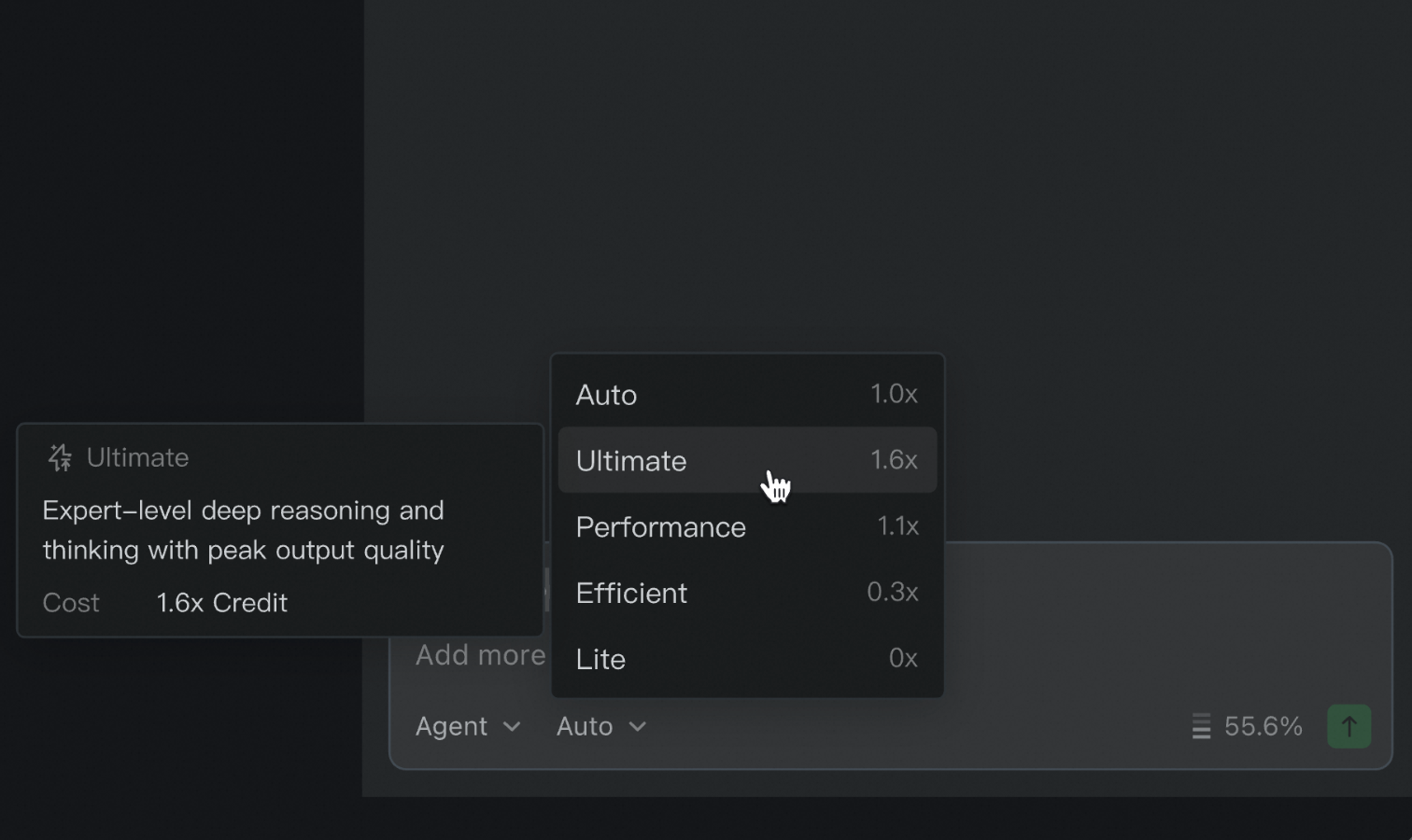
- Introducing the "Ultimate" Model Tier: Built for advanced tasks with expert-level reasoning and chain-of-thought capabilities—delivering output quality at its new peak
- Editable Sent Messages: You can now directly edit previously sent messages in the conversation stream, making it easy to refine and resubmit your request
- AGENTS.md Compatibility: Automatically loads AGENTS.md content into context when present in your project
- Repo Wiki for Non-Git Repositories: Generate Repo Wiki for local projects that are not managed by Git
- New Deep Link support: Support launching the IDE directly via the "Fix in Qoder" button in Qoder review comments on GitHub PRs to start a repair session.
Improvements
- Remote SSH Extension Now Supports Jump Host Scenarios: Connect to remote servers through bastion hosts
- Electron Upgraded to 37.7.0: Upgraded from 34.5.1 to address potential performance lag on macOS 26
Support for One-Click Network Diagnostics and Windows SSH
- One-Click Network Diagnostics: Added one-click network diagnostics to quickly troubleshoot connectivity issues
- NES Settings Upgrade: Support disabling by file extension, comment section toggle. Added quick settings entry in bottom-right corner
- Remote SSH for Windows: Added Remote SSH support for connecting to remote Windows devices
- Other Improvements:
- Improved undo experience for code accept/reject operations in Diff View with Ctrl/Cmd+Z support
- Improved codebase search performance for frontend languages
- Other minor bug fixes and stability improvements
Enhanced Task Notifications and Terminal Safety
- System notification upon task completion: When tasks such as Agent, Quest, or Repo Wiki are completed, a system notification will be triggered to alert the user if Qoder is not in the foreground.
- More accurate interception of dangerous commands in the terminal.
- Improved formatting when copying conversation content.
- Other Fixes: minor bug fixes and stability improvements.
Enhanced Codebase Search and Built-in Mermaid Preview
- Search Codebase: Includes content from the Repo Wiki in search results.
- Quest Mode: Supports applying code changes multiple times within the same task.
- Markdown Preview: Built-in Mermaid diagram rendering for Markdown files, including Quest specs and Rules.
- Issue Reporting: Enhanced Issue Report with additional contextual information for better diagnostics.
- Other Fixes: minor bug fixes and stability improvements
Major NES Overhaul and Quest Worktree Support
- NES Comprehensive Upgrade: Fully reimagined NES delivers superior recommendation quality, enhanced performance, and intuitive interactions for a smoother coding workflow.
- Quest Local Mode with Worktree Support: Added Git worktree support to run multiple coding tasks concurrently in isolated worktrees without cross-task interference.
- Other Improvements:
- Improved Quest Mode output quality.
- Implemented asynchronous compaction for conversation context to reduce latency.
- Enhanced Repo Wiki Mermaid viewer to support full-screen viewing, zoom controls, and one-click copy for diagrams.
- Added support for "Add to Chat" via right-click in the file tree.
- Other minor bug fixes and stability improvements.
Introducing the Model Tier Selector and Enhancements to Quest Mode
- Added Model Tier Selector: Allows you to switch the AI model across four optimized tiers:
- Auto: Intelligently selects the optimal model to balance performance and cost.
- Performance: Prioritizes peak output quality by choosing the best available model.
- Efficient: Maximizes Credit savings with cost-effective models while maintaining high-quality results.
- Lite: Provides free access to the basic model.
- Quest Mode Enhancements: Added support for MCP (Model Context Protocol) and Rules, enabling more extensible and customizable workflows.
- Enhanced Context Input: Now supports a wider range of file types for upload, including PDF, Excel, DOCX, and XMind.
- UI Improvements: Added support for auto-pinning chats for easier tracking within the chat feed.
- Other Improvements: Bug fixes and performance optimizations.
Enhanced memory management and Python development experience
- Enabled editing of auto-generated memories and enhanced their visibility in the chat feed for greater accuracy and clarity.
- Introduced a feedback mechanism for auto-generated Repo Wiki content to continuously improve its quality.
- Bundled built-in Python extensions (language server, debugging, and environment management) for a seamless out-of-the-box development experience.
- Other improvements and minor bug fixes.
Improved user experience for prompt input and rule creation
- One-click enhancement for prompts.
- Improved input guidance when creating rules.
- Fixed several issues with rules functionality when using WSL.
- Other minor bug fixes implemented.
Break free from local constraints with the new Quest Remote
- Quest Mode now features a new Remote Mode with GitHub repository support. You can now design a task, delegate the entire execution to a remote sandbox, and let it run asynchronously in the cloud—completely independent of your local environment.
- You can now instantly repair broken Mermaid diagrams in the Repo Wiki. Just click "Retry" on a failed diagram, and our AI will automatically correct the syntax.
- Bug fixes and stability improvements.
At-a-glance overview of Credits directly within the IDE
- Introduced a new Credits overview, providing a clear, at-a-glance view of your subscription quota and usage directly within the IDE.
- Mermaid diagrams in conversation flows now support one-click full-screen mode, making it easier to visualize and understand complex workflows.
- The Terminal tool now maintains a persistent session within a single conversation, preserving the context and environment from previous commands for a seamless workflow.
- Resolved an issue that prevented AI-generated Git commit messages from working correctly in Multi-root Workspaces.
- Addressed an intermittent bug that could cause messages in a conversation to fail to send, improving chat reliability.
- Bug fixes and stability improvements.
Shareable Repo Wiki and Smarter Context Control
- Qoder now generates a repository wiki in your specified language, and you can share it with others for seamless collaboration. Learn more.
- You can now monitor context usage directly in AI Chat panel, and optionally compress the conversation or start a new chat — reducing token consumption and helping you save Credits.
- You can control whether the agent is allowed to edit files outside the current project via a setting in preferences.
- Issue reporting now supports pasting images directly into the input field, enabling faster and more detailed feedback.
- Fixed an issue that prevented SSH login from macOS to remote Ubuntu 20 ARM64 machines.
Performance boosts and smarter agent
- Enrich the agent's understanding in Quest Mode by providing context from a git commit, code changes, or even an image.
- AI now automatically creates a relevant title for each conversation in AI Chat, making them easier to find later.
- You can now configure a custom timeout for MCP tool calls in settings for more granular control over agent behavior.
- Optimized performance for very long conversations, ensuring a smooth and responsive experience.
- Enhanced Terminal interaction in AI Chat and Quest mode for faster and more reliable command execution.
- The agent now handles empty rules and conflicts with memory more gracefully, improving stability and providing clearer feedback.
- Other bug fixes and improvements.
Support "Add to Chat" from Terminal
- Added "Add to Chat" support from the terminal.
- Improved handling of unsupported image formats in multimodal chat.
- Improved image drag-and-drop interactions.
- Fixed several edge cases with tool call errors on file edits.
- Fixed an issue with code indexing in Windows Subsystem for Linux (WSL).
- Other bug fixes and improvements.
Support for WSL
- Added support for Windows Subsystem for Linux (WSL).
- Bug fixes.
Hello, World!
Hey, I'm Qoder! It's great to meet you. As an Agentic Coding Platform, I'm here to help you solve real software tasks.Let me show you how we can build amazing things together:- Code Suggestion: Predict your next edit with codebase-awareness, inline suggestions. Just Tab and stay in a state of continuous, rapid coding.
- Ask Mode: Solve coding problems right in your IDE. No more context-switching, just solutions that keep you in the flow.
- Agent Mode: Coding through conversation. You maintain full control through human-in-the-loop checkpoints, turning your ideas into reality.
- Quest Mode: We'll start by co-designing a technical specification. Then you can delegate the task to me. I'll handle it autonomously and leave you to simply review the final result.
- Repo Wiki: Understand the codebase in minutes. I'll generate documentation of architecture, design patterns, and module logic once you open a project, so you can understand the project immediately.