

Qoder Web can run tasks directly in a cloud environment — useful when you do not have your computer with you, or when you want to ship something on the go without waking your desktop. Sign in from any browser, link a GitHub repository, and let Qoder run the task in the cloud.
1
Choose the environment
On the New Task screen, choose an environment (defaults to Default). Pick a Cloud environment to run the task in the cloud, or connect to your computer to run it locally.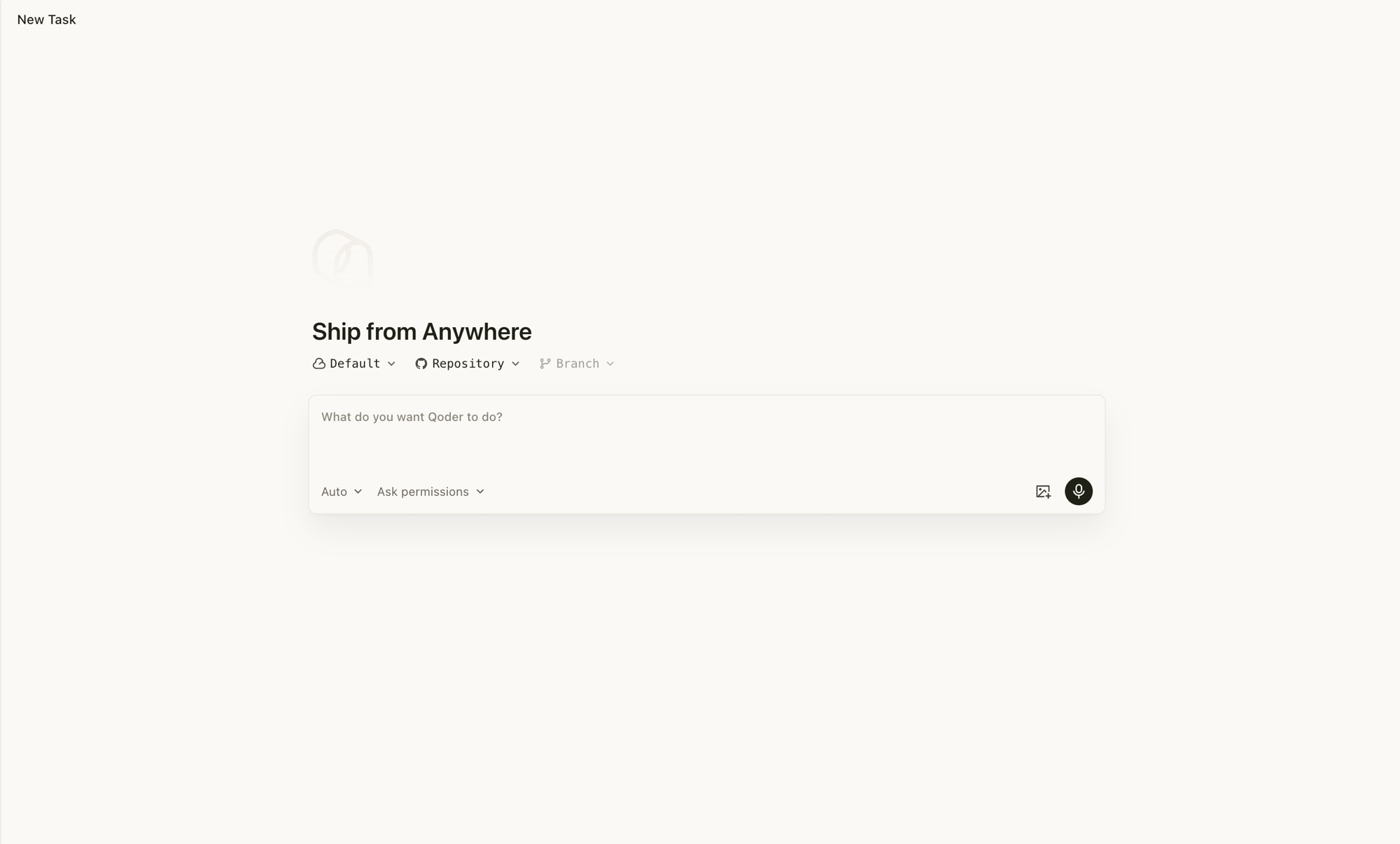
2
Pick a GitHub repository and branch
After choosing a cloud environment, link your GitHub account and pick the repository and branch the task should work against. Use the Repository and Branch dropdowns at the top of the input area.
3
Describe the task and ship it
Enter your prompt in the "What do you want Qoder to do?" box and send. The cloud environment runs the task without occupying your local machine.
4
Track it in the conversation list
Once the task is running, follow it from the conversation list. Cloud tasks and any local tasks you have are shown together, with status, progress, and any pending approvals in one view.