

Beyond remote-controlling your computer, the mobile app can run tasks directly in a cloud environment — useful when you do not have your computer with you, or when you want to ship something on the go without waking your desktop.
1
Choose the environment
On the New Task screen, choose an environment. Pick a Cloud environment to run the task in the cloud.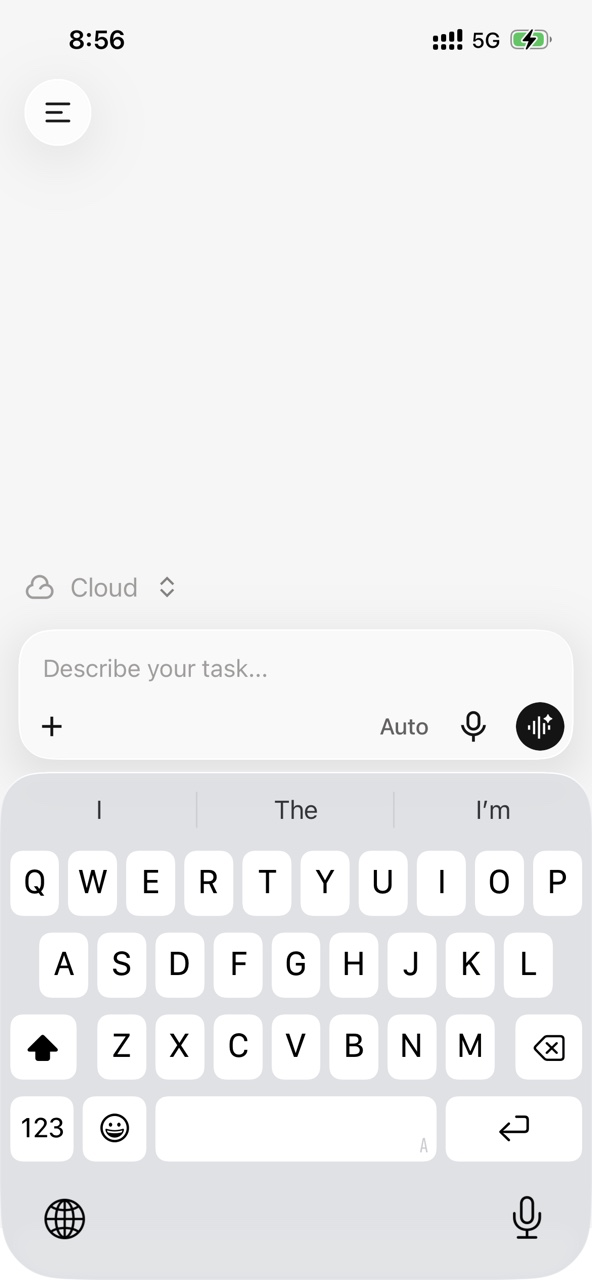
2
Pick a GitHub repository and branch
After choosing a cloud environment, link your GitHub account and pick the repository and branch the task should work against.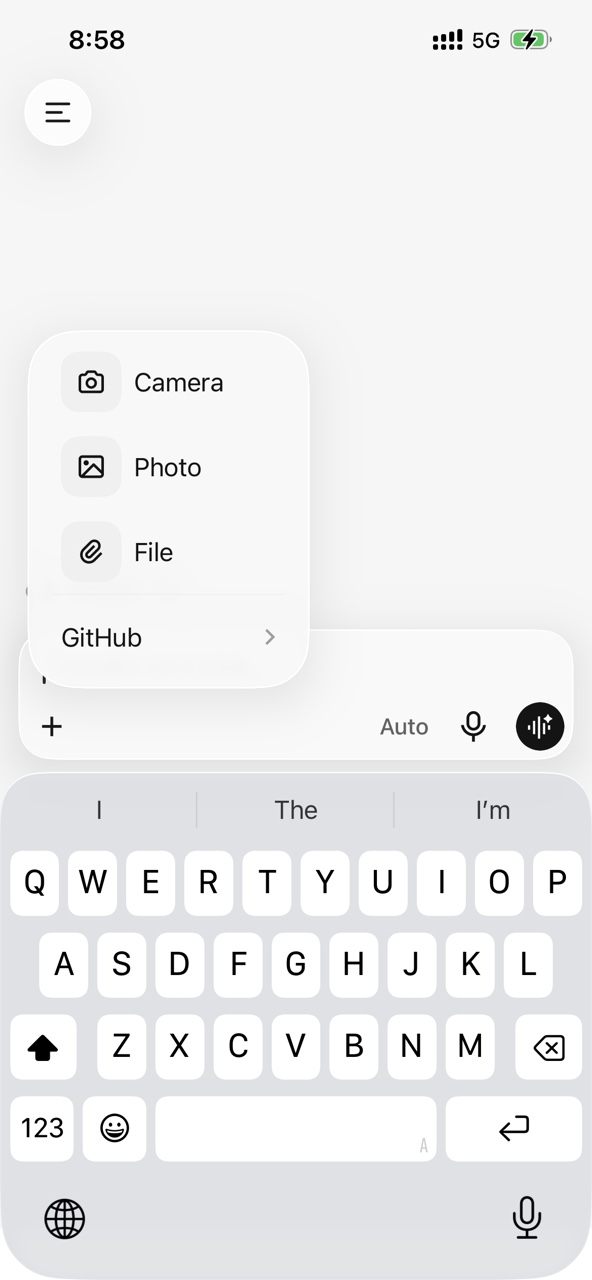
3
Describe the task and ship it
Enter your prompt — e.g. "generate ui from screenshot" — and send. The cloud environment runs the task without occupying your local machine.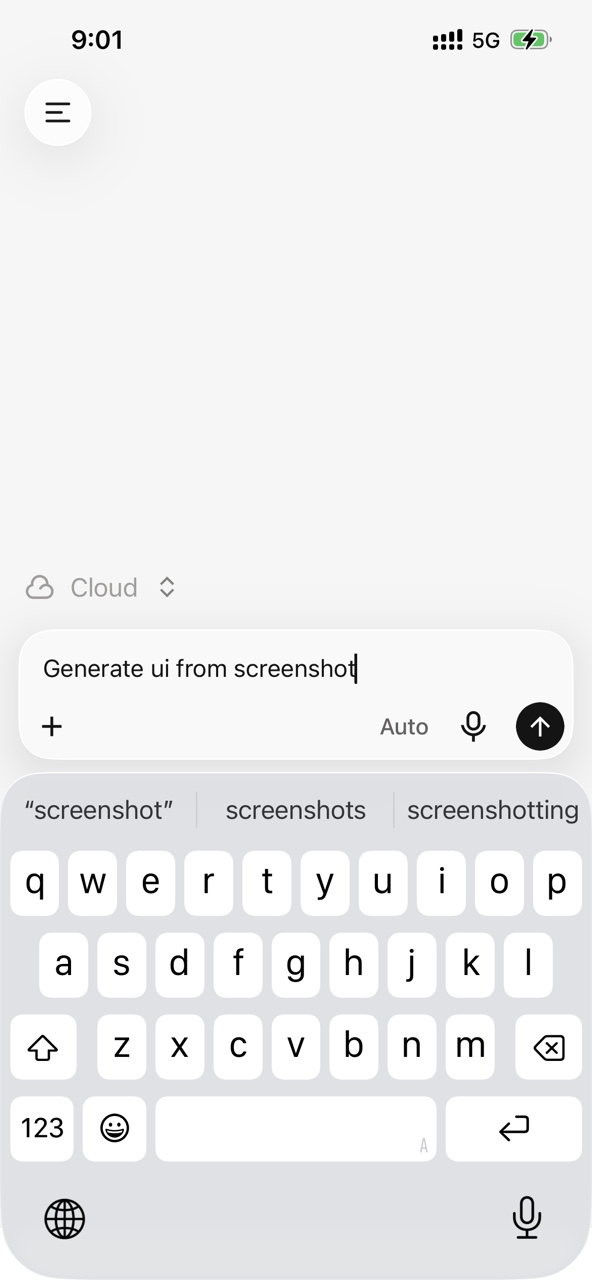
4
Track it in the conversation list
Cloud tasks appear alongside local tasks in the conversation list, so you can monitor progress, status, and pending actions in one place.