> ## Documentation Index
> Fetch the complete documentation index at: https://docs.qoder.com/llms.txt
> Use this file to discover all available pages before exploring further.
# 配置网络代理
如果公司网络限制直接访问互联网,你可能需要为 Qoder 配置网络代理,以确保其正常运行。
## **为什么需要代理**
公司网络通常使用 HTTP 代理服务器在网络流量发送到目标位置之前进行拦截,以便检测可疑流量或者限制进入公司内网络的内容。在此类环境中,必须将 Qoder 配置为通过代理转发请求。
## **如何配置网络代理**
1. 前往 **首选项** > **Qoder 设置**。
在**高级**中找到 **网络代理**。
2. 选择以下代理模式之一:
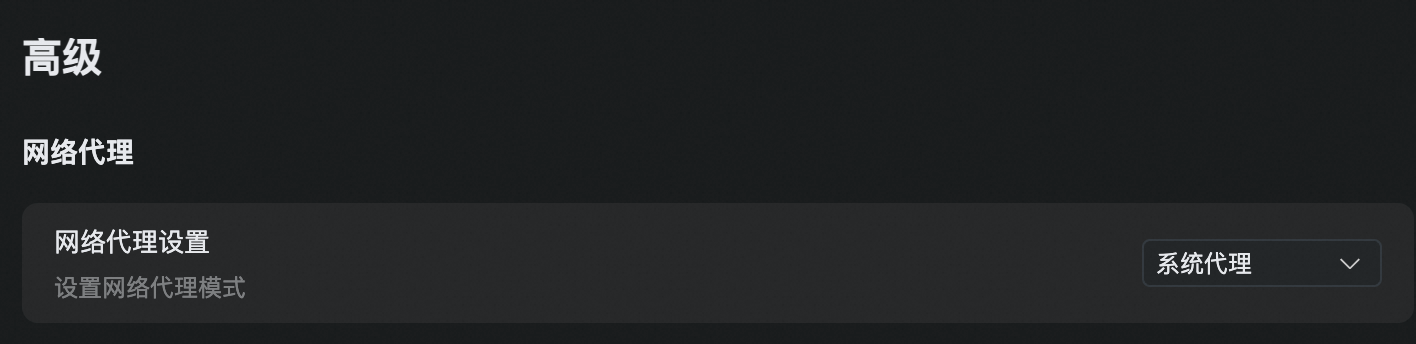
* 使用**系统**全局配置(默认)\
Qoder 将自动使用操作系统中的代理设置。
 * **手动**设置网络代理\
输入代理地址和端口。Qoder 支持以下代理类型:
* HTTP
* HTTPS
* SOCKS5
* **手动**设置网络代理\
输入代理地址和端口。Qoder 支持以下代理类型:
* HTTP
* HTTPS
* SOCKS5
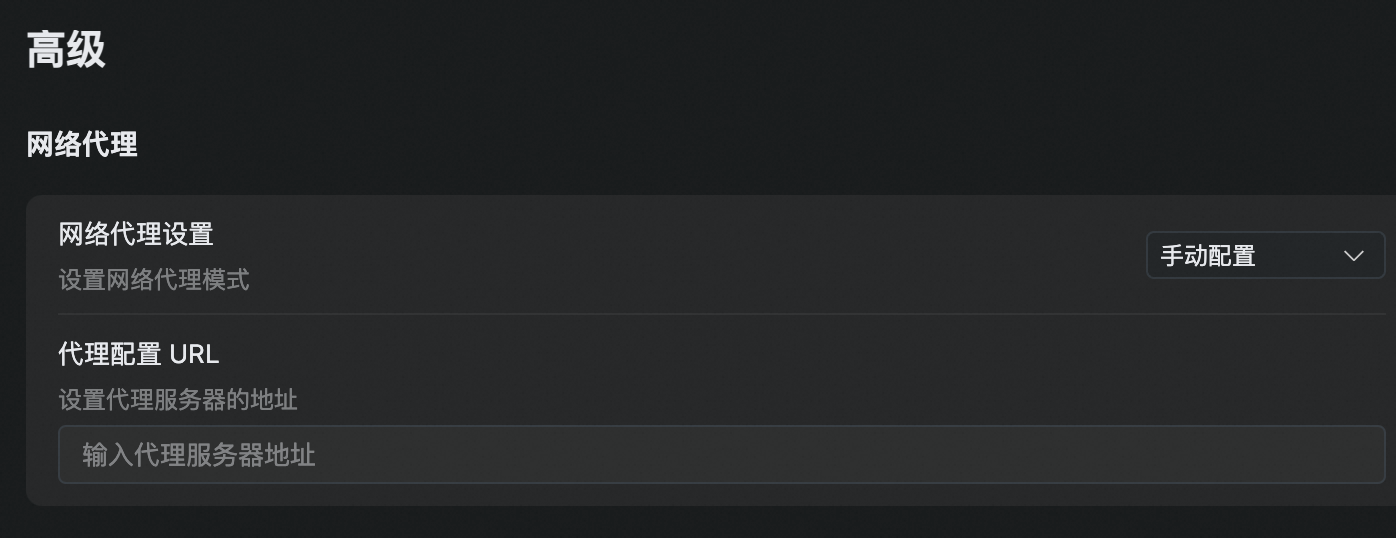 > 注意:请确保提供完整地址,包括协议与端口。示例:`https://127.0.0.xxx:8080`
* 不使用网络代理\
若不需要代理,请选择此项。若选择手动配置但将字段留空,则不会使用任何代理。
> 重要:请确保代理 URL 完整且格式正确。不完整或错误的配置可能导致 Qoder 无法访问在线服务。
> 注意:请确保提供完整地址,包括协议与端口。示例:`https://127.0.0.xxx:8080`
* 不使用网络代理\
若不需要代理,请选择此项。若选择手动配置但将字段留空,则不会使用任何代理。
> 重要:请确保代理 URL 完整且格式正确。不完整或错误的配置可能导致 Qoder 无法访问在线服务。